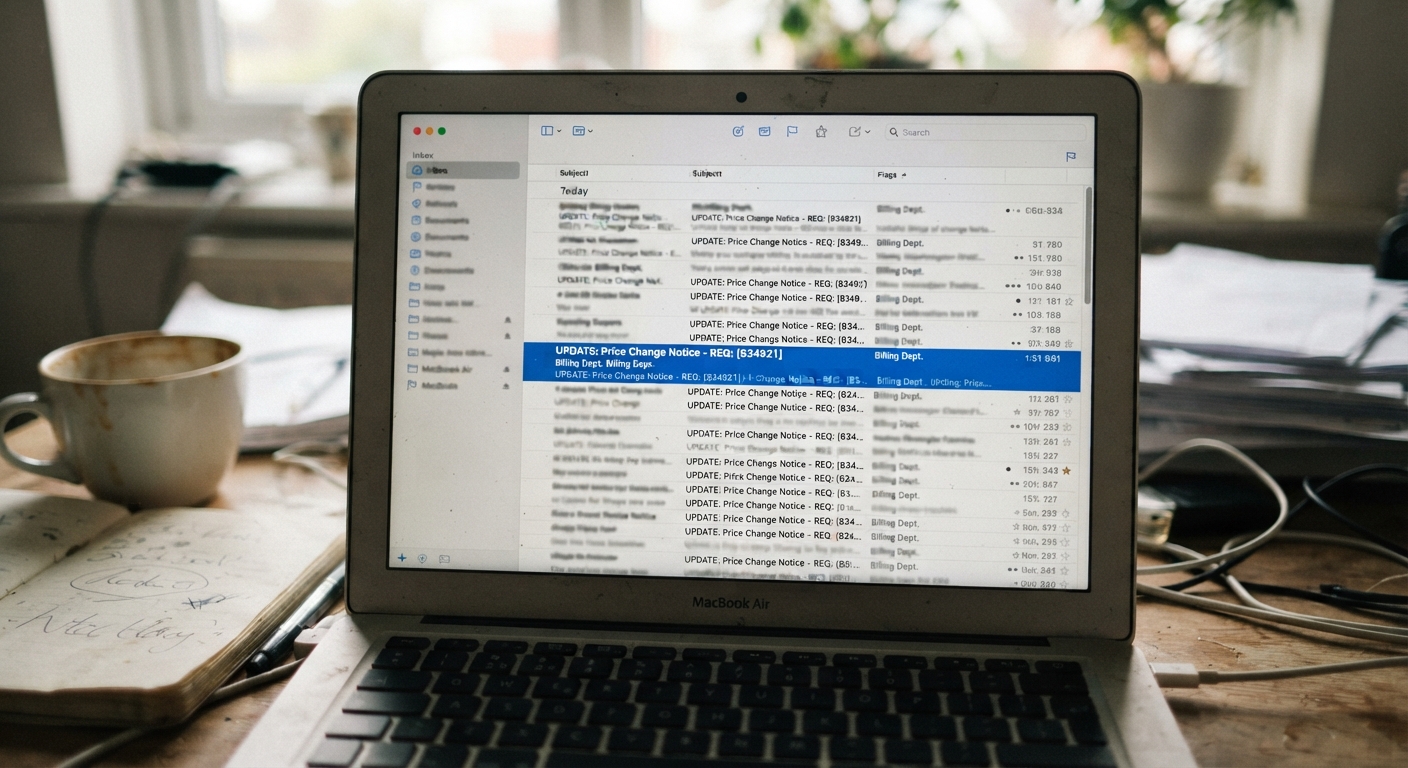
Every few weeks, a version of this email lands in millions of inboxes: “Your rate is increasing” or “Action required: billing update.” It mentions a streaming service, a phone plan, an insurance-adjacent company, or a bank. It says something is about to cost more, and it wants you to click now to review or dispute the change. For a lot of people, that’s enough to trigger a click before they’ve had a chance to think it through.
Why price-increase notices are a popular phishing template
Scammers don’t need to trick everyone. They just need a small percentage of a huge number of recipients to react without checking. A price-increase notice works well for this because it hits a specific emotional combination: mild alarm about money, plus a built-in reason to act fast. Nobody wants to be quietly charged more without noticing, so the instinct is to open the email and find out what’s going on immediately.
This template also works because it’s plausible. Real companies really do send notices like this. Streaming platforms raise prices. Utilities adjust rates. Subscription services change tiers. Because the premise is so common, a fake version doesn’t have to work hard to seem believable. It just has to look close enough to what you’d expect, and count on you being busy, tired, or on your phone rather than sitting at a desk with time to scrutinize it.
The fix isn’t to ignore every notice about a price change. Some of them are real, and ignoring a legitimate one can mean missing a chance to cancel or switch before the new rate kicks in. The fix is to build a habit of checking before clicking, every single time, regardless of how legitimate the email looks.
Checking the sender’s actual domain instead of the display name
The display name on an email is just text. Anyone can set the “from” name to say “Netflix Billing” or “Account Services” even if the actual address behind it has nothing to do with that company. This is the single most useful thing to check, and it’s also the thing most people skip because the display name looks convincing enough that they never scroll over to see the real address.
On a computer, hover your cursor over the sender’s name without clicking, and the full email address should appear either in a tooltip or in the status bar at the bottom of the window. On a phone, tapping the sender’s name usually expands to show the full address. What you’re looking for is whether the domain — the part after the @ symbol — matches the company’s actual domain, and whether it’s spelled correctly.
Watch for small substitutions: an extra letter, a hyphen where there shouldn’t be one, a “.net” where you’d expect “.com,” or a domain that’s almost right but adds an extra word, like “netflix-billing-update.com” instead of the real corporate domain. Also be cautious of domains that look right but end in something unusual for that type of business. A legitimate corporate email essentially never comes from a free consumer email service, so if the domain ends in a generic provider rather than the company’s own name, that’s a clear red flag.
One more wrinkle: even a domain that matches isn’t a complete guarantee, because sophisticated scams sometimes spoof addresses or use compromised accounts. It’s a strong filter, not a perfect one, which is why the next step matters just as much.
Verifying the claim by logging into the account directly, not through the email link
This is the step that catches almost everything, and it’s simple: don’t click the button or link in the email at all. Instead, open a new browser tab, or open the company’s app, and log into your account the way you normally would, using an address or app you already know is correct, not one supplied by the email.
Once you’re logged in through your own trusted path, check your billing section, your notifications center, or your plan details directly. If a price increase is real, it will almost always show up somewhere inside your actual account, not just in an email. Look for a plan change reflected in your billing history, an upcoming charge date, or a notice repeated inside the account dashboard itself.
If you log in and see nothing about a price change anywhere in the account, that’s a strong sign the email was not legitimate. Real companies generally don’t rely on email as the only record of a billing change; they also document it inside your account, because they know disputes happen and they need a paper trail on their own systems.
This step also protects you from a common trick where the email link goes to a page that looks exactly like the real login screen but is actually designed to capture your username and password. By typing in the address yourself or using a bookmarked link or the official app, you sidestep that risk entirely, regardless of how convincing the fake page might be.
Signs a notice is legitimate: consistent formatting, matching account details, no urgency tactics
Once you’ve checked the domain and confirmed or ruled out the claim through your own login, there are a few more patterns worth noticing, especially if you’re still uncertain.
Legitimate notices tend to use consistent formatting that matches other emails you’ve received from that company in the past. Look at old, confirmed-real emails from the same service and compare the logo placement, color scheme, footer text, and overall layout. Scammers can copy a logo, but small inconsistencies in fonts, spacing, or footer language often slip through.
A real notice usually includes account-specific details that match what you actually have: the correct last four digits of a payment method, your correct plan name, or your correct billing cycle date. Vague notices that say something like “your account” or “your subscription” without any specific detail are easier to send in bulk and are more often the phishing version.
Pay close attention to the tone. Genuine price-increase notices tend to be fairly neutral: here is the new price, here is the effective date, here is how to view your plan or cancel if you’d like. Phishing versions often lean on urgency: “your account will be suspended within 24 hours,” “immediate action required,” or countdown-style language designed to make you skip the verification steps altogether. Urgency is the tell. Real billing changes almost always give you a reasonable window before anything takes effect, because companies don’t want a wave of angry disputes.
What to do if you’re still unsure, including contacting the company through a known channel
If you’ve checked the domain, checked your account directly, and you’re still not sure, the next move is to contact the company through a channel you already trust, not anything provided in the suspicious email. That means the phone number on the back of your card, the number printed on a past statement, or the contact page you reach by typing the company’s name into a search engine yourself and clicking through to their official site.
When you call or message, simply describe what you received and ask if it’s legitimate. Most customer service teams can quickly confirm whether a price change notice matches something real in their system, and many companies have a dedicated way to report suspicious emails claiming to be from them.
Avoid using any phone number, link, or reply option contained in the email itself, even if it looks official. Fake notices sometimes include a fake support number designed to complete the scam over the phone instead of by email, so the safest path is always to go around the email entirely and reach the company through something you looked up independently.
Reporting suspected phishing without deleting the evidence too soon
Once you’ve confirmed a notice is fake, the instinct is to delete it immediately and move on. It’s worth resisting that urge for a few extra minutes first.
Most email providers have a “report phishing” option, separate from the regular delete or spam buttons, and using it helps improve filtering for you and for other people who might receive the same message. If the email impersonated a specific company, many of them have an official address or web form for reporting phishing attempts that use their name, and forwarding the message there can help them warn other customers or take down the fake site behind it.
If you clicked a link or entered any information before realizing something was off, don’t let embarrassment slow you down. Change the password for that account right away, and if you entered payment details anywhere, contact your bank or card issuer to flag it. Only after you’ve reported the message and taken any needed protective steps should you delete it, since having the original in your reported or spam folder can be useful if you need to reference it later.
Price-increase emails will keep showing up, real and fake alike, because they work as a template regardless of who’s sending them. The habit that protects you isn’t suspicion of every email, it’s a consistent two-minute check: look at the actual domain, log in on your own terms, and only then decide whether to worry about the number in the subject line.