

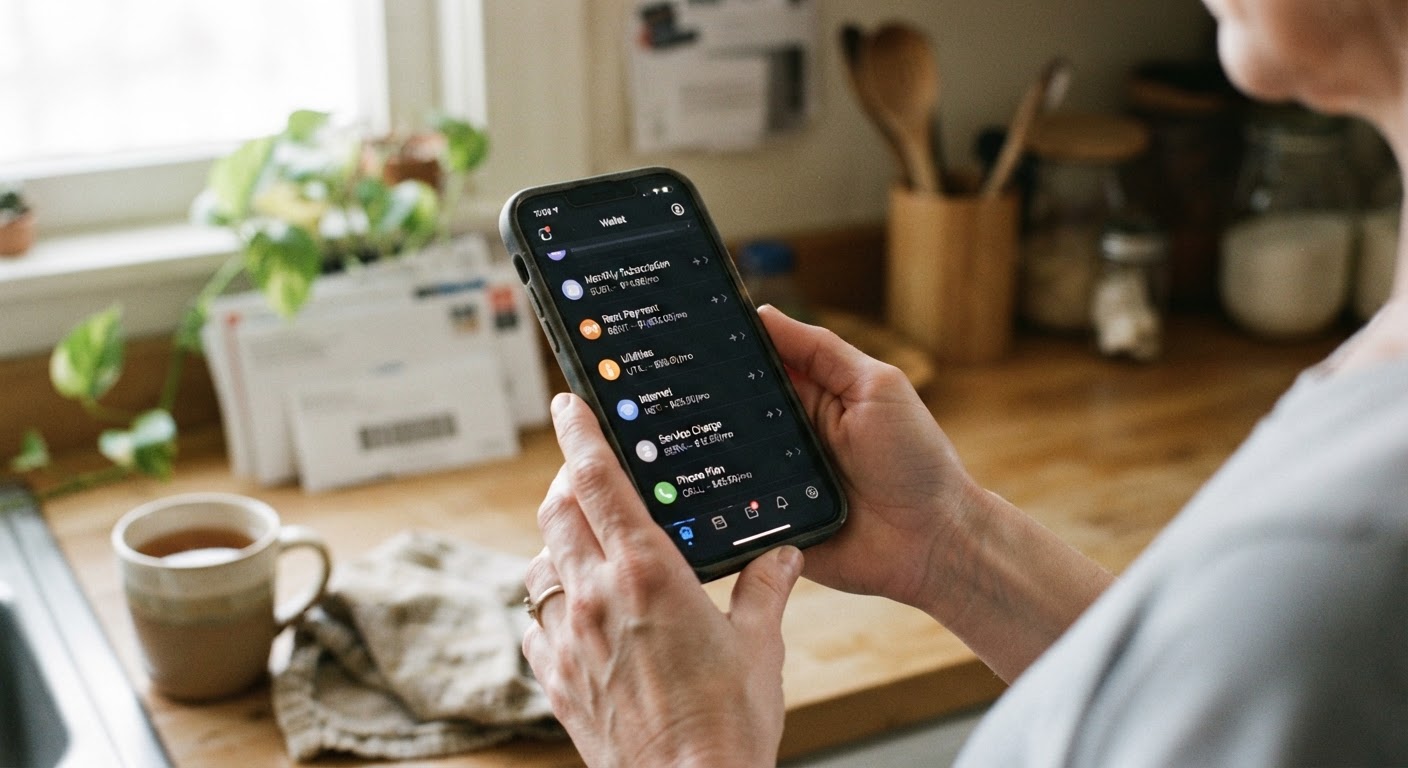
Most people audit their subscriptions the same way: they scroll through their bank or credit card statement, look for line items they recognize, and cancel the ones they don’t want anymore. That method works fine as long as every charge shows up on the statement with a merchant name you can identify. But a growing number of subscriptions don’t bill your card directly anymore. They bill through Apple Pay, Google Pay, or a similar digital wallet, and that small technical difference is enough to make an otherwise careful person miss a charge for months or years.
Why digital wallets abstract away the merchant name and billing history you’d normally check
When you hand a merchant your card number directly, that number becomes the thing your bank tracks and reports back to you. When you pay through a digital wallet instead, the wallet issues the merchant a substitute number called a token. The merchant charges the token, the wallet provider translates that into an actual charge on your underlying card, and your bank statement shows whatever label made it through that chain. Sometimes it’s the merchant’s real name. Sometimes it’s a shortened version, a parent company name, or a generic processor label that gives you no clue what you’re looking at.
This isn’t a flaw exactly. It’s how digital wallets are built to work, and the tokenization layer is actually part of what makes them more secure than handing your raw card number to every app and website you use. But it has a side effect: the wallet, not your bank, becomes the place where the real record of “what did I sign up for” lives. Your bank statement tells you money left your account. It doesn’t reliably tell you why, or whether the thing that charged you is still something you want.
The other part of the problem is habit. Most people trained themselves to scan their card statement once a month and call it an audit. That habit was built for a world where every charge had a clear merchant name attached. Wallet-billed subscriptions quietly opted you out of that system without asking, which is exactly why they’re worth checking separately.
Step-by-step: finding the subscriptions and payment methods stored in Apple Pay and Google Pay
The good news is that both major wallets keep their own transaction history, separate from your bank’s, and it’s usually more descriptive than what shows up on your statement.
On an iPhone, open the Wallet app and tap the card you use most often for subscriptions. Scroll down to the transaction history for that card. You’ll see recent charges with merchant names attached, often more legible than what your bank shows. From there, go to Settings, tap your name at the top, and look for Subscriptions under your account or App Store section. This shows every subscription billed through your Apple ID, including ones from third-party apps, with the renewal date and price clearly listed. This is the single most useful screen for this audit, because it’s a purpose-built list rather than a transaction feed you have to interpret.
On an Android device, open the Google Pay or Google Wallet app and check the activity or transactions tab for a similar merchant-labeled history. Then go to your Google Account settings and look for the Subscriptions section, sometimes found under Payments & subscriptions. Like Apple’s version, this pulls together anything billed through Google Play separately from your card statement.
Do this for every device and every wallet you’ve ever set up. If you switched from an Android phone to an iPhone at some point, or you have a tablet logged into a different account, there may be a second wallet with its own subscription list that you haven’t looked at in a while. It’s also worth checking whether you have more than one card stored in a single wallet, since older, unused cards sometimes stay linked and quietly active.
How wallet-linked cards can mask a canceled card still being charged through a token
Here’s the part that catches people off guard. When you cancel or replace a physical card, you’d expect any charge tied to it to simply fail. With tokenized wallet payments, that’s not always what happens. Card networks have systems designed to automatically update the token in the background when a card is reissued, so a subscription that was originally billed to a card you canceled two years ago might still be running fine, quietly updated behind the scenes without you ever entering a new card number.
This is convenient when it’s a subscription you actually want, since it means a lost or expired card doesn’t interrupt your streaming service. But it’s a problem when it’s a subscription you thought you killed off by canceling the card it was billed to. A lot of people use “let the card expire” as an informal cancellation strategy for something they don’t want to deal with directly. With a wallet-linked token, that strategy can fail silently, and the subscription just keeps going on a card you assumed was dead.
The only reliable way to catch this is to check the subscription list inside the wallet itself, rather than assuming a canceled card equals a canceled charge. If something shows up as active in your Apple ID or Google Account subscriptions screen, treat that as the current truth, even if you’re fairly sure the card behind it doesn’t exist anymore.
Cross-checking wallet activity against your bank statement to catch mismatches
Once you have the wallet’s own subscription list in front of you, put it side by side with your actual bank or card statement. You’re looking for three kinds of mismatches.
The first is a subscription that appears in the wallet list but that you can’t easily match to a specific charge amount on your statement, which usually means the price changed at some point and you never noticed. Wallet subscription screens often show the current renewal price, not the history of price increases, so this is your chance to confirm you’re not paying more than you remember agreeing to.
The second is a charge on your statement that doesn’t clearly match anything in the wallet’s subscription list. This can happen when a subscription was purchased once through the wallet but bills separately afterward, or when a merchant label is different from the app name you recognize. These are worth a closer look, even if the amount is small.
The third, and the one people miss most often, is a subscription still marked active in the wallet that you’re confident you canceled somewhere else, like directly through the merchant’s website. Cancellation through a merchant doesn’t always sync back to the wallet’s record, and vice versa. When you find one of these, cancel it from inside the wallet’s own subscription management screen, not just from the merchant’s side, and confirm it drops off after the next billing cycle.
A repeatable quarterly check for wallet-based billing
This isn’t something you need to do every month, but it’s worth building into a quarterly habit alongside whatever other bill review you already do. Set a recurring reminder for the first weekend of each new quarter. Open the subscriptions screen in Apple ID or your Google Account, not just the wallet’s transaction feed, and read through the full list slowly. Note the price and renewal date for anything you don’t use regularly.
Then pull up your last three months of bank statements and match every wallet subscription to an actual charge. Anything that doesn’t match cleanly gets a follow-up. Anything you don’t recognize using either name gets canceled through the wallet’s own settings, since that’s the record that actually controls whether the token keeps charging.
The habit takes maybe fifteen minutes a quarter once you know where to look, and it closes a gap that a normal statement review simply can’t reach. The point isn’t to distrust digital wallets. It’s to remember that convenience features like automatic token updates are built to keep charges running smoothly, not to keep you informed, and those are two different jobs.
