

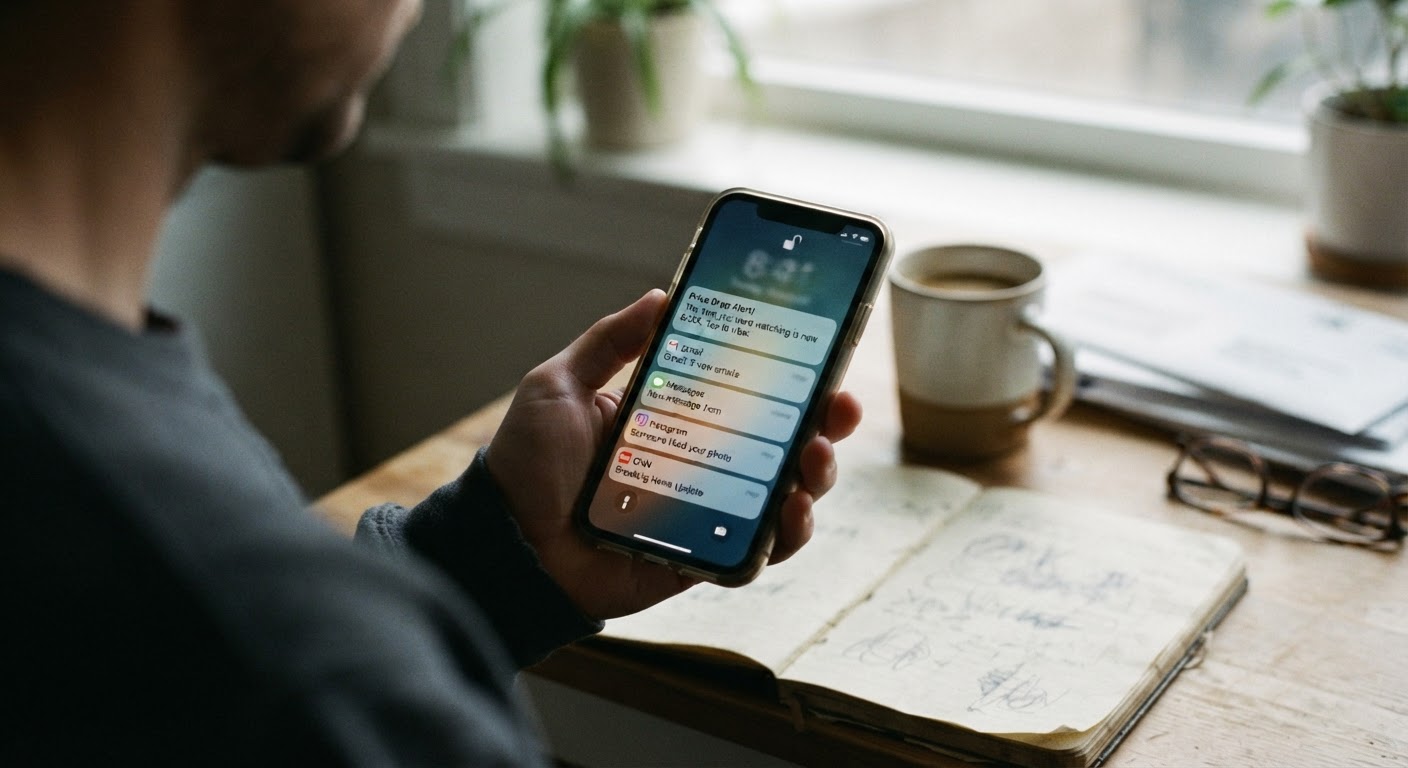
Why some companies prefer push notifications over email for rate changes
If you’ve noticed that more of your subscriptions seem to raise prices “quietly,” you’re not imagining it. A growing number of apps have shifted the way they tell you about a rate increase, moving away from email and toward a push notification that appears on your phone’s lock screen for a few seconds before it’s gone. This isn’t an accident, and it’s worth understanding why it happens, because it changes what you need to do to protect yourself.
Email leaves a paper trail. It sits in your inbox, it can be searched, it can be forwarded to someone else, and it’s easy to prove you received it. A push notification does none of that automatically. Once you swipe it away or it times out, most people have no record that it ever existed. From a company’s perspective, a notification method that technically satisfies “we told you” without leaving a durable, easily searchable trail is convenient. It reduces the number of people who call in to dispute a charge, simply because fewer people notice the change in time to do anything about it.
There’s also a practical reason tied to how phones work. Push notifications are designed to be brief and easy to dismiss. They’re built for quick, low-stakes information: a like on a post, a delivery update, a reminder to open the app. Burying a price increase notice in that same format means it competes with dozens of other alerts for your attention, and it’s shaped to be glanced at rather than read carefully. A notice that says something like “Your plan is changing” doesn’t always spell out the new dollar amount or the date it takes effect. You often have to tap into the app to get the full picture, and if you don’t tap in time, the notification disappears into your phone’s history, rarely checked again.
None of this means the company is doing something underhanded in a legal sense. It just means the burden of noticing has shifted almost entirely onto you, the subscriber, and the tools you use to manage your phone’s alerts matter more than they used to.
How push alerts get missed: notification fatigue, muted apps, and phone settings
There are a few very ordinary reasons a price increase notice slips past you, and none of them require you to be careless.
The most common is notification fatigue. If you get dozens of alerts a day from various apps, your brain learns to swipe first and think later. A price notice looks the same as a promotional banner or a reminder to rate the app, so it gets the same half-second of attention and the same dismissive swipe.
Second, many people mute notifications from apps they use often specifically because those apps send too many low-value alerts. If you turned off notifications for a streaming service or a subscription box app six months ago because it kept pinging you about new releases, you may have also turned off the one notification that actually mattered.
Third, phone settings themselves can quietly filter things out. Features that group notifications by app, schedule “quiet hours,” or summarize alerts into a daily digest are genuinely useful for reducing clutter, but they can also delay or bury a time-sensitive notice about a price change. A notification that arrives during a scheduled quiet period might not surface again until you happen to open your notification center, and by then the ten- or fourteen-day window some companies give you to respond may already be ticking down unnoticed.
Finally, there’s the simple issue of phone changes. If you switched phones, reinstalled an app, or reset your notification permissions at some point, the app may have lost its permission to send alerts entirely, without you realizing it. The company sent the notice; your phone never displayed it.
Checking your notification history and app settings to recover a missed alert
If you suspect you missed a price increase notice, the first place to look is your phone’s own notification history, which most people don’t know exists.
On many Android phones, there’s a setting that keeps a running log of notifications, including ones you’ve dismissed, usually found somewhere in the notification or “recent notifications” settings menu. On iPhones, the Notification Center itself keeps a scrollable history until you clear it, and some phones also offer a “Notifications” summary in Settings that shows how often an app has sent alerts recently, even if you can’t see the exact text.
Start by checking whether the app in question still has notification permission turned on at all. Go into your phone’s main settings, find the app, and look at its notification permissions specifically. If notifications are off, that’s likely your answer: the alert may have been sent by the company but never displayed by your phone.
If notifications are on, scroll back through your notification history for the date range when you’d expect a billing-related alert, typically a few weeks before your renewal date. Look not just for something that says “price increase” but for vaguer phrasing too, since companies sometimes use softer language like “an update to your plan” or “changes to your subscription.”
It’s also worth checking whether the app sent a duplicate notice through another channel you might have missed, such as an in-app banner that appeared the last time you opened it. Some apps show a one-time pop-up on launch that’s easy to tap through without reading, especially if it appears while you’re mid-task trying to do something else in the app.
Where to look inside the app itself for a permanent record of the notice
Push notifications are temporary, but the notice itself usually isn’t only sent that way. Most companies are required to make some form of the actual notice available somewhere more permanent, even if the alert that pointed you to it was easy to miss.
Inside the app, check your account or profile section first, then look for anything labeled billing, subscription, plan details, or payment history. Many apps keep a small archive of account-related messages in a section sometimes called “Notifications,” “Messages,” “Inbox,” or “Updates,” separate from the push alerts your phone displayed. This in-app inbox often holds the full text of the notice, including the new price and the effective date, even after the push notification itself is long gone from your phone.
If you can’t find a dedicated messages section, check your plan or subscription details page directly. Sometimes the new price is simply listed there going forward, with a small note about when it changed, rather than being kept as a separate message. Comparing what’s listed there now against what you remember paying can at least confirm whether a change happened, even if you can’t recover the original wording of the notice.
It’s also worth checking your account’s associated email address, even if you believe the company primarily used push notifications. Many companies still send a lighter-weight email alongside the app notice, and it can end up in a spam or promotions folder rather than your main inbox. A quick search of your email for the company’s name, combined with terms like “price” or “plan,” sometimes turns up a notice you didn’t realize you’d received at all.
Building a habit of checking billing settings monthly instead of relying on alerts
The most reliable fix isn’t a settings tweak, it’s a habit. Notifications, whether by email or push, depend on a chain of things going right: the company sending it, your phone displaying it, and you actually reading it at the right moment. Any one link in that chain can fail quietly, and you’re the one who ends up paying the new rate without noticing.
A simpler approach is to stop waiting for a company to tell you about a change and instead build a short, recurring check into your own routine. Once a month, pick a day, maybe when you’re already reviewing your bank or credit card statement, and spend ten minutes opening the two or three apps you pay for regularly. Check the plan or billing section of each one directly, note the current price, and compare it to what you paid last time. This takes almost no time once it’s a habit, and it catches price changes regardless of whether the notice ever reached you.
It also helps to keep a simple running list, even something as basic as a note on your phone, with each subscription, its current price, and the date you last checked. Over a few months, this becomes a quick reference that makes it obvious when something has changed, since you’re comparing against your own record rather than relying on memory.
Push notifications aren’t going away, and some companies will likely keep leaning on them because they’re easy to dismiss and hard to prove you received. Treating them as a bonus reminder rather than your main line of defense is the more realistic approach. The monthly check takes the pressure off any single alert and puts you back in the position of finding out about a price change on your own terms, rather than discovering it after the new amount has already come out of your account.
