

Why Some US Subscriptions Default to Foreign Billing
Most people assume that if they sign up for a service while sitting in their kitchen in Ohio, they’re paying an American company in American dollars. That’s often not true. A lot of the apps and tools people use every day are built or headquartered outside the US, and the billing system defaults to the currency of wherever the company’s payment processor is set up, not wherever the customer happens to be.
VPN services are a classic example. Many of the most popular ones are based in Europe, and their checkout page will quietly bill in euros even though every menu and support email is in English and the marketing is clearly aimed at US customers. The same goes for certain photo editing apps, productivity tools, streaming services with roots outside the US, and niche software subscriptions from smaller developers who never bothered to set up a separate US pricing tier.
App stores complicate this further. When you buy a subscription through a mobile app, the store itself sometimes routes billing through the developer’s home region rather than yours, especially for smaller or newer apps that haven’t configured regional pricing. You picked the plan in dollars on the screen, but the actual transaction that hits your card can be processed in a different currency entirely, with the dollar amount you saw being just an estimate at checkout.
None of this is necessarily a scam. It’s usually just a byproduct of how the company set up its backend systems. But it does mean you can end up paying more than the sticker price without ever making a mistake, simply because of how the charge is routed behind the scenes.
How to Spot a Foreign Currency Charge on Your Bank or Card Statement
The good news is that these charges usually aren’t hidden on purpose, they’re just easy to miss because most people skim their statements rather than read every line. Here’s what to look for.
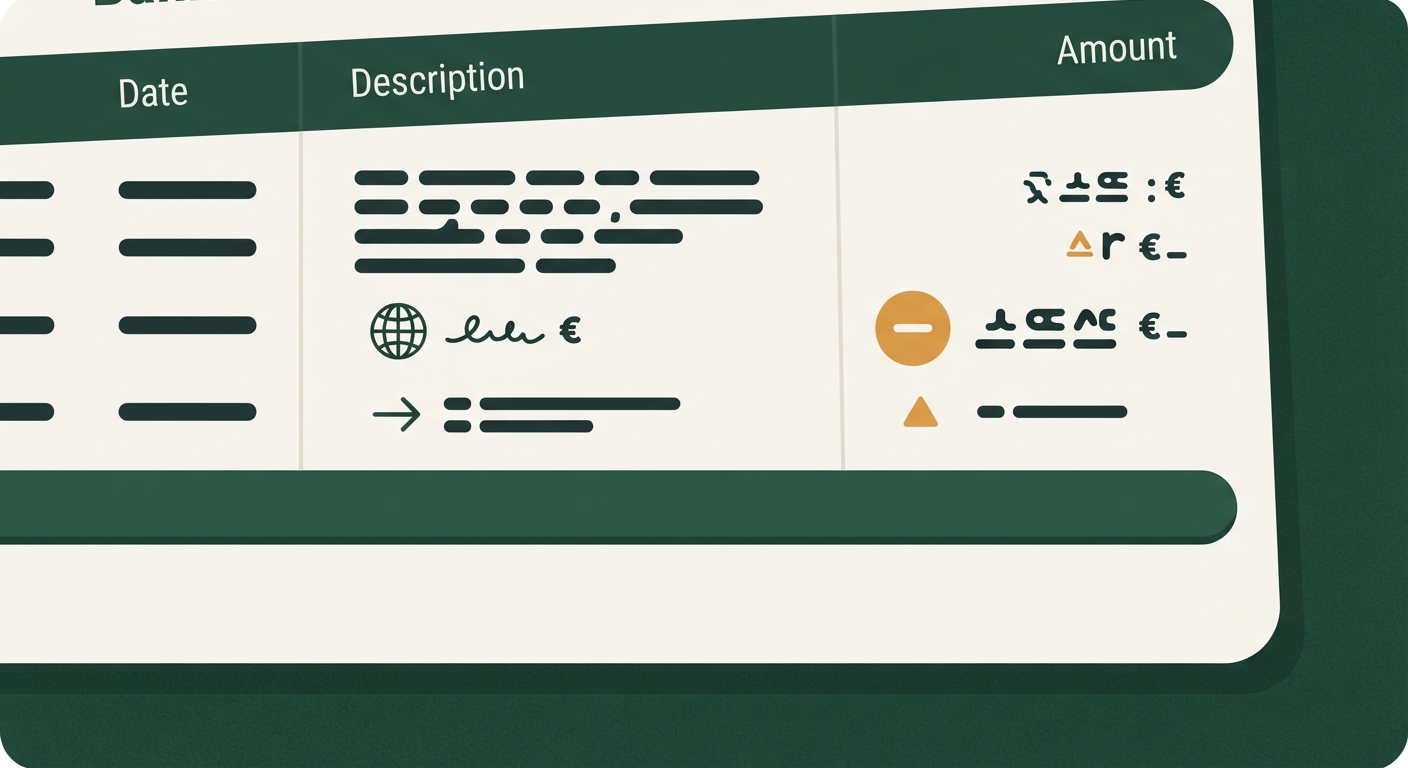
Pull up your card or bank statement online rather than relying on a paper copy or a quick glance in your banking app’s summary view. Look at the full transaction detail for each subscription charge. Foreign currency transactions almost always show two things: the amount in the original currency, and then the converted amount in US dollars, often with a small note like “foreign transaction” or a currency code such as EUR, GBP, or CAD next to the amount.
If you see a currency code you don’t recognize, or a dollar amount that doesn’t match the flat monthly price you thought you signed up for, that’s your signal. A subscription that’s supposed to be a clean $9.99 a month showing up as $10.34, $10.51, or some other slightly-off number almost every cycle is a strong sign it’s being converted from a foreign currency rather than billed directly in dollars.
It also helps to check the merchant name exactly as it appears on the statement. Foreign-billed subscriptions sometimes list the merchant with a country abbreviation, a foreign city, or a slightly different corporate name than the brand you recognize from the app icon. That mismatch is often your first real clue that the transaction isn’t a straightforward domestic charge.
Dynamic Currency Conversion Fees vs. Your Card’s Standard Foreign Transaction Fee
Once you’ve confirmed a charge is happening in a foreign currency, it’s worth understanding that there are actually two different fees that can stack on top of each other, and they come from two different places.
The first is your card issuer’s standard foreign transaction fee. Many US credit cards and some debit cards charge a percentage on any purchase processed in a foreign currency or routed through a foreign bank, regardless of who’s doing the converting. This fee is disclosed in your card’s terms, and some cards waive it entirely, which is worth checking before you assume you’re paying it.
The second is dynamic currency conversion, sometimes abbreviated DCC. This happens when the merchant’s payment system, rather than your card network, does the currency conversion at the point of sale. Merchants that offer DCC typically build in their own conversion rate, which is usually less favorable than the rate your card network would apply. The catch is that DCC is sometimes presented to you as a convenience, letting you “see the price in dollars” at checkout, when in practice it can mean you’re accepting a worse exchange rate in exchange for that convenience.
For a recurring subscription, you generally won’t be asked to approve DCC each month the way you might at a hotel checkout desk overseas. Instead, the conversion setup gets locked in at signup and then repeats silently every billing cycle. That’s exactly why these charges tend to blend into a statement instead of standing out.
How Much This Typically Adds to a Subscription’s Real Monthly Cost
It’s easy to look at a few extra cents or dollars on one line item and decide it’s not worth worrying about. But two things make this add up more than people expect: it repeats every single billing cycle, and exchange rates drift over time, so the dollar amount you’re charged can shift slightly month to month even though the foreign price never changes.
Think about it this way. A subscription with a foreign transaction fee and a DCC markup stacked together can end up costing noticeably more per year than the advertised price once you add up twelve or more billing cycles. On a single low-cost app, that might not change your budget. But most households have more than one subscription running, and if two or three of them are quietly billed this way, the combined overpayment can be a real, ongoing drag rather than a one-time nuisance.
There’s also a less obvious cost: unpredictability. A subscription that’s supposed to be a fixed, easy-to-budget expense stops being fixed once it’s tied to a floating exchange rate. That makes it harder to reconcile your budget cleanly, since the “same” charge shows up as a slightly different number every month.
Steps to Request US-Dollar Billing or a Regional Account Change
If you like the service and just want to stop the currency markup, start by checking the account settings inside the app or on the company’s website. Look for a billing or subscription section, and see if there’s an option to change your region, country, or preferred currency. Some companies bury this setting under “account” or “payment method” rather than anywhere obviously labeled billing.
If you can’t find a self-service option, contact customer support directly and ask plainly whether they offer US-dollar billing or a regional account switch. Many companies can move your account to the correct region manually, even if the option isn’t visible in your settings, especially if you explain that you’re a US-based customer being billed in a foreign currency.
Be prepared for the possibility that switching regions changes your price, not just your currency. Some services price differently by region for reasons unrelated to currency, so a switch to USD billing could raise or lower your actual cost. Ask for the new price in writing, by email if possible, before you agree to the change, so you have a record of what you were told and can compare it to your current charge.
It’s also worth asking whether switching billing regions affects your renewal date, any active promotional pricing, or accumulated loyalty perks. Some systems treat a currency switch as a new subscription entirely, which can reset a discount you were counting on.
When It’s Simpler to Cancel and Resubscribe Through a US Storefront
Sometimes a company’s support team can’t or won’t switch your billing currency, especially for smaller developers or services with limited customer service infrastructure. In that case, canceling and resubscribing through a US-based storefront, such as your phone’s app store set to a US account, is often the more reliable fix.
Before you cancel, check what you’d lose. Note your current price, any saved settings or data tied to the account, and whether the service offers any kind of migration path for your account history. Cancel through the original method you signed up with, confirm the cancellation in writing or with a confirmation email, and then create a fresh subscription through your US app store account or the company’s US-facing website.
This approach tends to work best for straightforward consumer apps where your data lives in the cloud and reattaches easily to a new subscription. It’s less appealing for services where your account history, saved projects, or a long-standing discount would be hard to rebuild from scratch. In those cases, it may be worth simply accepting the small currency markup as the cost of keeping things simple, as long as you’ve confirmed the total cost is still worth it to you.
Either way, the real win here isn’t necessarily switching currencies, it’s knowing which of your subscriptions are quietly billed this way in the first place. Once that’s out in the open, deciding what to do about each one becomes a much easier call.
