

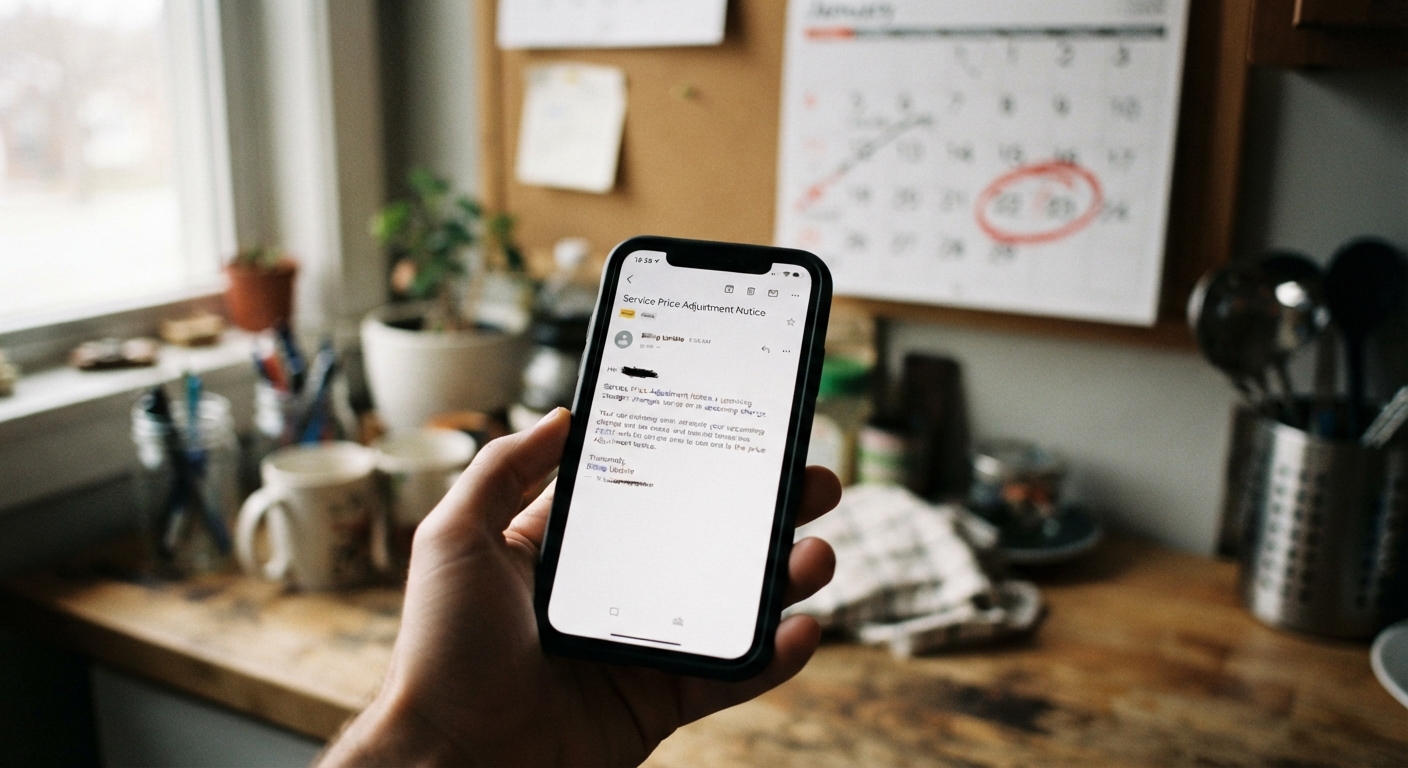
Some price increase notices are almost polite about it — thirty, forty-five, sometimes sixty days to decide before the new rate kicks in. Others show up in your inbox with a subject line about “important account changes” and, buried in paragraph three, an effective date that’s twelve or fourteen days away. If you’ve gotten one of those, you’re not imagining the squeeze. Here’s how to handle it without either missing the deadline or making a decision you’ll second-guess later.
Why some notices give shorter windows than others, and where to find the actual effective date
There’s no single rule that governs how much notice a company has to give before raising your rate. Some services build long lead times into their terms because it’s good practice or because it’s expected in their industry. Others give the legal minimum, and a few seem to time the notice so it lands close to a billing cycle without much breathing room. The variation usually comes down to the company’s own terms of service, not some universal standard you can count on.
The first thing to do with any price increase email is stop skimming and find the actual effective date. It’s often not in the subject line or the first sentence. Look for phrasing like “starting on,” “beginning with your next billing cycle,” or a specific calendar date. If you can’t find a date at all, that’s worth flagging — check your account dashboard or billing history page, since some companies post the effective date there even when the email is vague. When in doubt, treat the shortest date you can find anywhere in the notice as the real deadline, not the most generous-sounding one.
The first three things to check before reacting: renewal date, billing cycle, and cancellation deadline
Before you cancel, call, or do anything else, pin down three separate dates. They’re often confused with each other, and mixing them up is how people end up canceling too late or too early.
First, your renewal date — the day your current billing period actually ends and a new one would begin. Second, your billing cycle — how often you’re charged (monthly, annually, quarterly), since this affects whether the new price applies to your very next charge or one further out. Third, the cancellation deadline stated in the notice itself, which is sometimes different from both of the above. A service might say the price increase takes effect in fourteen days, but your cancellation has to be submitted a few days before that to count as processed in time. Write all three dates down somewhere you’ll actually see them — a note on your phone, a calendar entry, whatever you use. Don’t rely on remembering the gist of the email a week from now.
How to request an extension or ask for the increase to be delayed until your next natural renewal
It costs nothing to ask, and it works more often than people expect. If the notice period feels unreasonably short, or if it lands awkwardly close to your renewal date anyway, contact customer service and ask directly whether they can delay the increase until your next natural billing cycle, or extend your decision window by a set number of days.
Keep the request simple and specific: state your account details, the effective date in the notice, and what you’re asking for — an extension, a delay, or a temporary hold on the new rate. Frontline reps often have more flexibility on this than the form email suggests, especially if you’re a long-standing customer or if the short window seems like an oversight rather than a policy. If a phone rep says no, it sometimes helps to ask the same question through chat or email, since different channels occasionally get routed to different systems or people with different authority to grant exceptions. There’s no guarantee, but a polite, direct request is low-cost and sometimes buys you real time.
Whether canceling now and re-subscribing later is realistic for this service
Canceling now and signing back up after the price increase takes effect sounds like a clean workaround, but whether it actually saves you anything depends heavily on the service.
Some subscriptions — certain streaming platforms, software tools, or trial-based services — will let you resubscribe at a new-customer rate or a promotional price that’s lower than what existing customers pay after an increase. Others are the opposite: canceling forfeits a grandfathered rate you’ll never see again, and resubscribing puts you on whatever the current price is, which may be even higher than the one in the notice you just got. Before you cancel with a plan to come back, check whether the service has any language about loyalty pricing, legacy plans, or grandfather clauses in its terms or FAQ. If your account has been active a long time or you’re on an older plan, canceling could quietly erase a rate you didn’t realize you had. When it’s unclear, it’s often safer to just ask support directly: “If I cancel and resubscribe later, would I get my current rate back, or the new one?” A clear answer there tells you more than guessing.
A same-day checklist for short-deadline price increases
When the window is genuinely tight, don’t try to solve everything at once. Work through this in order:
Confirm the effective date and the cancellation deadline separately — they may not be the same day. Check your last one or two statements to see what you’re currently being charged and what the new price will be, so you know the actual dollar difference you’re deciding about. Decide whether the service is worth keeping at the new price at all, independent of the deadline pressure — a short window shouldn’t be the thing that decides this for you. If you’re unsure, request an extension or delay before doing anything irreversible. If you decide to cancel, do it through the account settings or official channel rather than just ignoring a future charge, since an unused subscription doesn’t cancel itself. Screenshot or save confirmation of whatever action you take, with a timestamp. Set a reminder to check your next statement to confirm the change actually took effect the way you expected.
None of these steps take long individually, but doing them in order keeps you from either freezing up or making a snap decision you didn’t need to make that day.
How to document that you acted within the window in case of a billing dispute later
Short deadlines are exactly the situations where billing disputes tend to happen later — you canceled, but the company’s system logged it a day late, or the new charge went through anyway. Protect yourself now rather than trying to reconstruct events later.
Save the original price increase notice in full, including the header showing when it was sent. Take a screenshot of the cancellation confirmation screen or save the confirmation email, and note the date and time. If you called instead of canceling online, write down the date, approximate time, and the name of the representative you spoke with, even if it’s just a first name. Keep this in one folder — a dedicated email folder or a note on your phone works fine — rather than scattered across your inbox. If a charge shows up on your statement after you canceled within the window, this record is what you’ll point to when you contact the company to have it reversed. It won’t guarantee a resolution, but it turns “I’m pretty sure I canceled in time” into something you can actually show.
