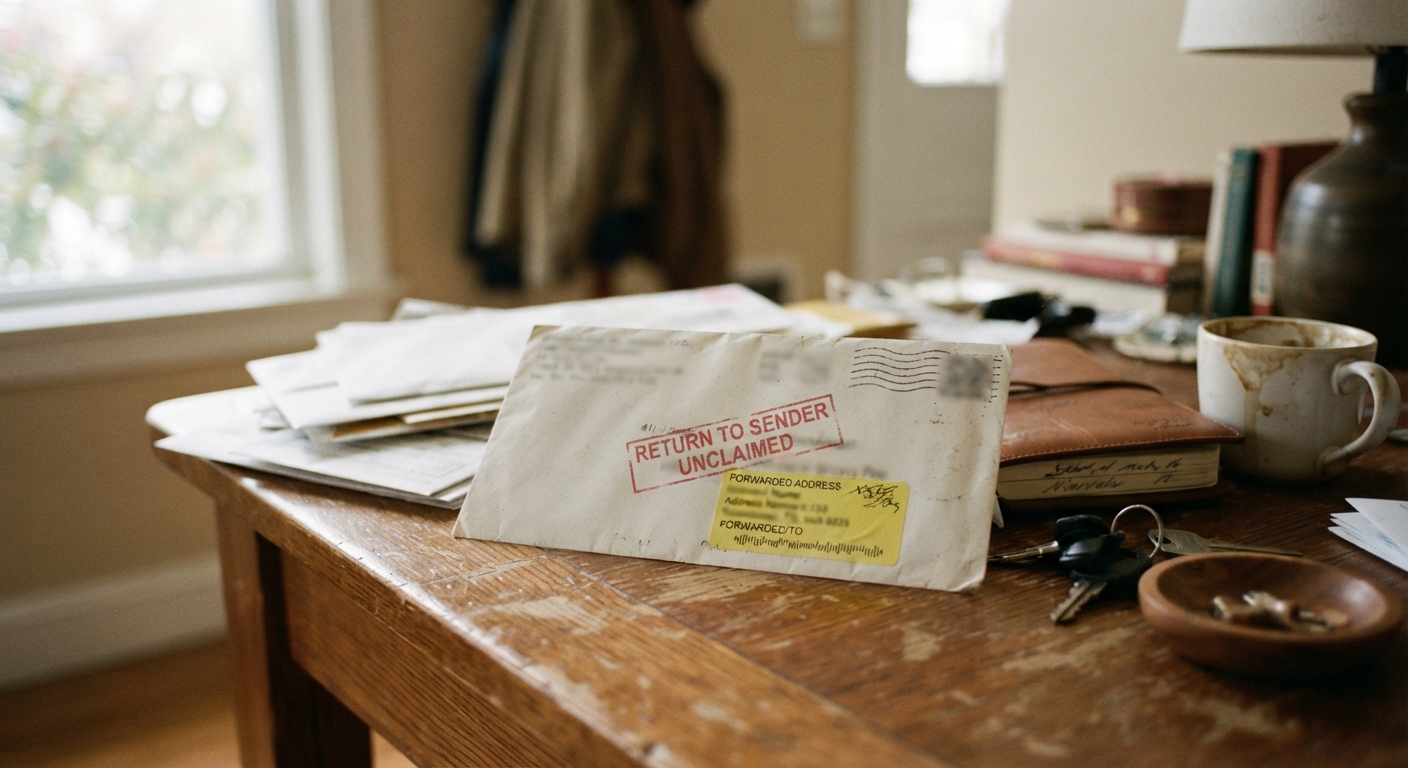
Why companies often notify you at whatever contact info is on file, not your current one
When a company raises its price, it usually has a legal or contractual obligation to tell you first. But “tell you” almost always means “tell whatever address, email, or phone number we have on file for you” — not wherever you actually live or check your messages today. Billing systems are built to be automatic, not thoughtful. A notice goes out to the contact info stored in the database, and the company considers its job done the moment that message is sent, whether or not it ever reaches you.
This becomes a problem because people move, switch email providers, change phone numbers, or simply stop checking an old inbox far more often than they update every single account tied to that old information. You might update your bank and your employer without thinking to update a streaming service, a gym membership, or a subscription box you signed up for three apartments ago. The company isn’t necessarily doing anything sneaky — it’s just relying on data you forgot to correct.
The result is a gap: the company can honestly say it sent notice, and you can honestly say you never saw it. Both things are true at once, and that gap is exactly what you need to check for.
How to check your account settings for outdated mailing addresses, emails, or phone numbers
Before you assume a notice was mishandled, confirm what the company actually has on file. Log into the account directly — not through a link in an email, but by typing the company’s website into your browser or opening its app — and look for an account settings, profile, or “manage my information” section.
Check these three fields specifically:
Mailing address: Look for any address that predates your most recent move. Some accounts store a billing address separately from a shipping or service address, so check both if the option exists.
Email address: Look closely at the domain and spelling. If you switched providers or consolidated old inboxes, an account might still be pointed at an email you no longer open. Typos from years-old sign-ups also hide here.
Phone number: This matters most for accounts that send text alerts or use a phone call for notices. An old number that’s been reassigned to someone else means your notice may have gone to a total stranger.
If you can’t find this information in your account settings, call customer service and ask them to read back what’s currently on file. Write down what they tell you, along with the date you called, in case you need it later.
Signs a price increase already took effect without your knowledge
Sometimes you don’t find out about a stale contact detail until after the higher price has already started showing up on your statement. A few signs are worth watching for:
Your bill is higher than the amount you remember agreeing to, and you can’t recall receiving any notice about a change.
The increase appears on a bank or credit card statement before you see any corresponding email, letter, or text about it.
Customer service tells you a notice was “sent on” a specific date, but that date doesn’t match anything in your inbox, mail, or phone.
You find an old notice buried in a spam folder, a paper mail pile, or a secondary email account you rarely check — proof it was sent, just not to a place you saw in time.
None of these signs prove wrongdoing on the company’s part. They just tell you it’s time to dig into exactly when and where the notice went, which is the next step.
How to request proof of when and where the notice was actually sent
Companies generally keep records of when they sent billing notices, even if they don’t volunteer that information upfront. You can ask for it directly. When you call or message customer service, be specific:
Ask for the exact date the price increase notice was sent, and the method — email, text, mail, or an in-app message.
Ask for the exact address, email, or phone number it was sent to.
Ask whether that contact information matches what’s currently listed on your account today.
If the representative can’t answer on the spot, ask them to note your request in the account and follow up with the information in writing. A written response — even a short email confirming the details — gives you something concrete to hold onto rather than a verbal answer you have to remember.
If the company sent the notice to an address or email that doesn’t match your current account information, you now have a clear, factual record of the mismatch. That record is the most useful thing you can bring into the next conversation.
Whether an outdated notice gives you any leverage to ask for a delayed increase or partial refund
Having proof that a notice went to outdated contact information doesn’t guarantee a company will reverse a price increase, but it does give you something to work with. Companies often have some discretion to make exceptions, especially when they can see plainly that their own records show a notice was sent somewhere you clearly weren’t checking.
When you raise this, keep the conversation factual and calm rather than accusatory. You might say something like: “I noticed the notice was sent to an email address I stopped using two years ago, and I only just saw the increase reflected on my bill. Is there any flexibility to delay the new price or credit back the difference for the months I wasn’t aware of it?”
Some companies will offer a partial credit, extend your old rate for another billing cycle, or waive a late fee tied to the confusion. Others may say the notice fulfilled their obligation regardless of whether you saw it, and decline to adjust anything. Either outcome is possible, and it often depends on the specific company’s policies rather than any universal rule. The point of asking isn’t a guaranteed win — it’s that you lose nothing by asking, and a documented mismatch between where the notice went and where you actually live or check messages is a reasonable, low-drama reason to ask.
How to update your contact info across every account so this doesn’t happen again
Once you’ve sorted out one outdated notice, it’s worth assuming other accounts have the same problem quietly sitting in the background. A short cleanup pass now can save you from repeating this same search six months from now.
Make a running list of every recurring subscription, membership, and household bill you pay — streaming services, insurance-adjacent accounts, subscription boxes, gyms, utilities, and anything else that bills you automatically. For each one, log in and check the same three fields: mailing address, email, and phone number.
When you find something outdated, update it immediately rather than making a mental note to do it later. It takes less time to fix in the moment than to track down again.
Consider using one email address specifically for billing and account notices, rather than scattering your subscriptions across a work email, a personal email, and an old account you barely check. Consolidating makes it far easier to notice new billing emails as they arrive instead of losing them in the shuffle.
Finally, set a reminder — twice a year is enough for most people — to do a quick pass through your accounts and confirm your contact details are still current. Tie it to something you already do regularly, like a change of season or a recurring budget review, so it doesn’t get lost. A few minutes of housekeeping now is a lot cheaper than discovering a price increase months after it already took effect.