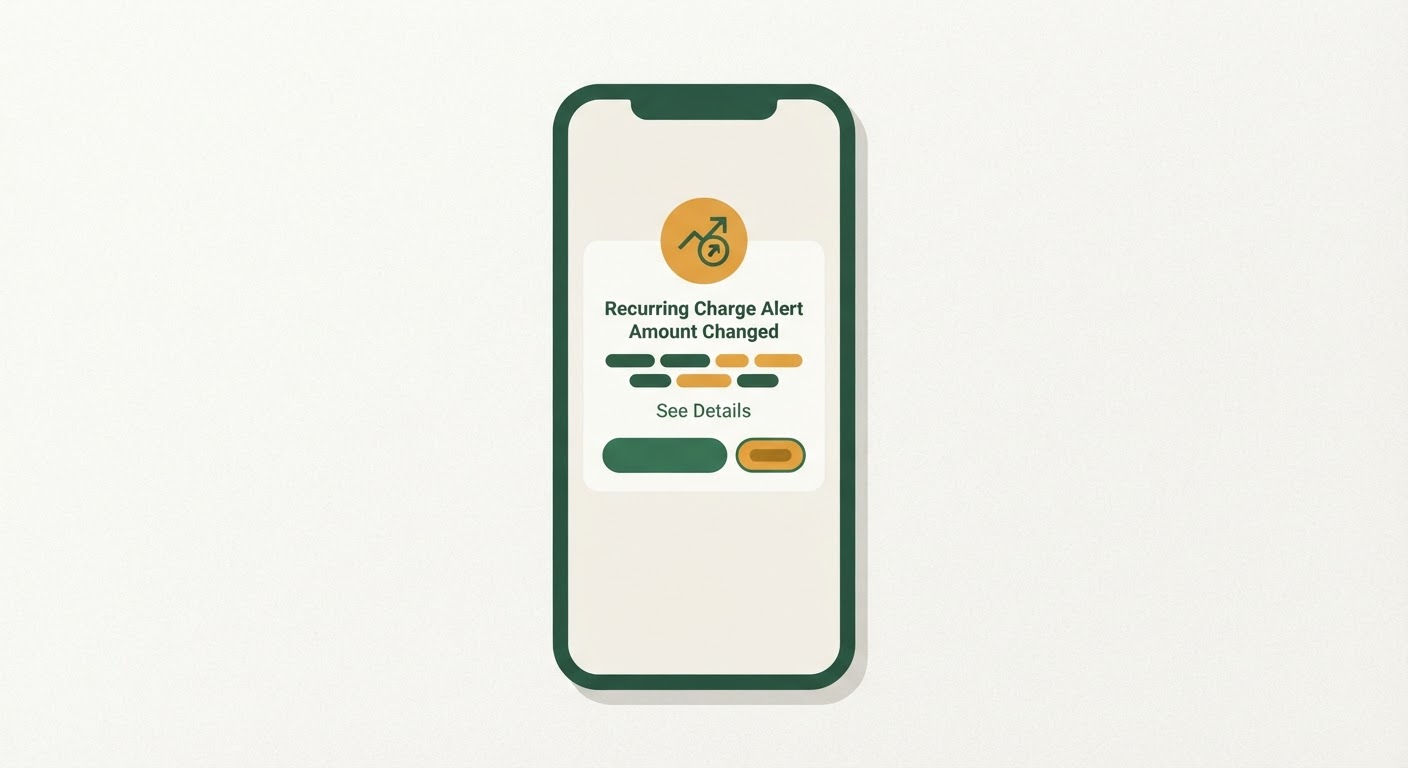
Where to find amount-change or recurring-charge alerts in your bank and card issuer settings
Every major bank and most card issuers now offer some version of transaction alerts, but they’re scattered across different menus depending on who you bank with, and the setting you actually want is rarely the one labeled in an obvious way. Start by logging into your bank or card issuer’s website rather than the mobile app, since the full alert menu is often easier to navigate on a larger screen. Look for a section called “Alerts,” “Notifications,” or sometimes “Account Services.” From there, you’re hunting for anything that says “recurring charge,” “subscription alert,” “amount change,” or occasionally just “transaction alerts” with a sub-option for changes to an existing merchant.
Card issuers tend to be a bit ahead of banks on this. Several major credit card companies have built dedicated recurring-payment trackers into their apps that will flag when a merchant charges a different amount than the last cycle, sometimes without you having to configure anything beyond turning on general transaction alerts. Debit card and checking account alerts usually require more manual setup, since the bank doesn’t automatically categorize a charge as “recurring” the way a credit card issuer’s merchant-matching system does.
If you can’t find an amount-change alert by name, look for “alert preferences” tied to a specific merchant or card number rather than your whole account. Some issuers only let you set granular alerts once you tap into an individual transaction history and choose “notify me about this merchant.” It’s a few extra clicks, but it’s worth doing for anything you’re paying monthly or annually, not just streaming and software subscriptions but gym memberships, storage units, and any membership club that bills automatically.
Setting a dollar threshold so small rounding changes don’t bury real price hikes
Once you find the alert settings, most issuers ask you to set a threshold — either a flat dollar amount or a percentage — before they’ll notify you. This step matters more than it looks like it does. Set the threshold too low, and you’ll get pinged every time a merchant’s currency conversion or tax calculation shifts a charge by a few cents, which trains you to ignore the alerts entirely. Set it too high, and a real price increase slides through unnoticed because it didn’t clear your bar.
A reasonable starting point is a flat dollar threshold rather than a percentage, since percentage thresholds behave oddly on small subscriptions. A 20% increase on a $4.99 add-on is about a dollar, which most people wouldn’t mind being told about, but a 20% threshold might not trigger until the price nearly doubles. For most household subscriptions, setting the alert to trigger on any change of $1 or more strikes a fair balance — it catches genuine price increases, which are usually priced in whole or half dollars, while filtering out the odd penny-level fluctuation from tax recalculations.
If your issuer only offers percentage-based thresholds, a lower setting like 3-5% is generally tight enough to catch most subscription price hikes, which commonly land somewhere in the 8-20% range when they happen, without being so sensitive it fires on noise. Some banks let you set different thresholds for different alert types, so if you’re layering a “recurring charge” alert on top of a general “large transaction” alert, keep them separate rather than trying to make one setting do both jobs.
Why card issuer alerts catch changes even when a company’s own notice gets lost or ignored
Companies raising subscription prices are usually required to notify you somehow, but that notice often arrives as an email buried among marketing messages, a small-print update to terms of service, or a notification inside an app you rarely open. It’s easy for that message to get filtered, skimmed past, or simply forgotten by the time the new price actually hits your account weeks later.
Your bank or card issuer has no stake in whether you notice a price change or not, which is exactly why their alert system is more reliable in practice. The alert isn’t tied to the merchant’s communication strategy at all — it’s triggered purely by the transaction data hitting your account. If the amount charged differs from the amount charged last cycle by more than your threshold, the alert fires, regardless of whether the company sent you a heads-up, buried it in fine print, or didn’t mention it clearly at all.
This is particularly useful for the subscriptions you signed up for years ago and haven’t thought about since. A streaming service or software tool you started using at one price can quietly creep upward over several billing cycles, and if you’re not opening every email from that company, you’d have no other way of knowing until you happened to scroll through a statement. A bank-side alert closes that gap because it doesn’t depend on you paying attention to the merchant at all — it depends only on you paying attention to your own account, which is a much shorter list to manage.
Cross-checking an alert against your original signup price to confirm it’s a real increase
Getting an alert is only useful if you know what to compare it against. Before you can confirm a charge is actually a price increase and not, say, a prorated adjustment or a one-time add-on you forgot about, it helps to have a record of what you originally signed up to pay. If you don’t already keep this somewhere, a simple running list — subscription name, original price, sign-up date, and billing frequency — makes cross-checking take seconds instead of turning into a guessing game.
When an alert comes in, pull up that list first. If the new charge matches what you expected from a known increase (say, you got an email a month ago mentioning a new price and this is just it taking effect), you can close the loop quickly and move on. If the charge is higher than anything you were told to expect, that’s worth a closer look — it might be a billing error, a plan change you didn’t authorize, or a price increase whose notice genuinely never reached you.
It’s also worth checking whether the increase lines up with a tier or plan change rather than a straightforward price hike on the same service. Some companies raise prices by nudging existing customers into a “new and improved” plan that costs more, which can look identical to a plain price increase on your statement but might come with different terms attached. Either way, the point of cross-checking isn’t to build a case against the company — it’s just to make sure you’re deciding to keep paying the new amount on purpose, rather than by default.
Building a simple habit of reviewing flagged charges within the billing cycle they hit
Alerts only pay off if you actually act on them while it’s still useful to do so. Many subscriptions have a limited window for canceling before the next charge locks in, so an alert that sits unread in your inbox for six weeks doesn’t do you much good. The habit worth building isn’t complicated: when an alert lands, open it, glance at the amount, and make a quick decision within that same billing cycle — keep it, question it, or cancel it.
A workable version of this habit is picking one fixed day close to when most of your bills tend to hit and treating it as a five-minute check-in. Look at any alerts that came through, cross-reference against your subscription list, and either dismiss the alert as expected or flag the merchant for a follow-up call or cancellation. Doing this on a set day, rather than whenever you happen to notice an email, turns a passive notification system into an active one.
Over time, this habit does more than catch individual price increases. It gives you a running, current picture of what you’re actually paying across everything billed automatically, which is usually the first thing to go fuzzy in a household budget. The alert is just the trigger — the review is what actually saves you money.