

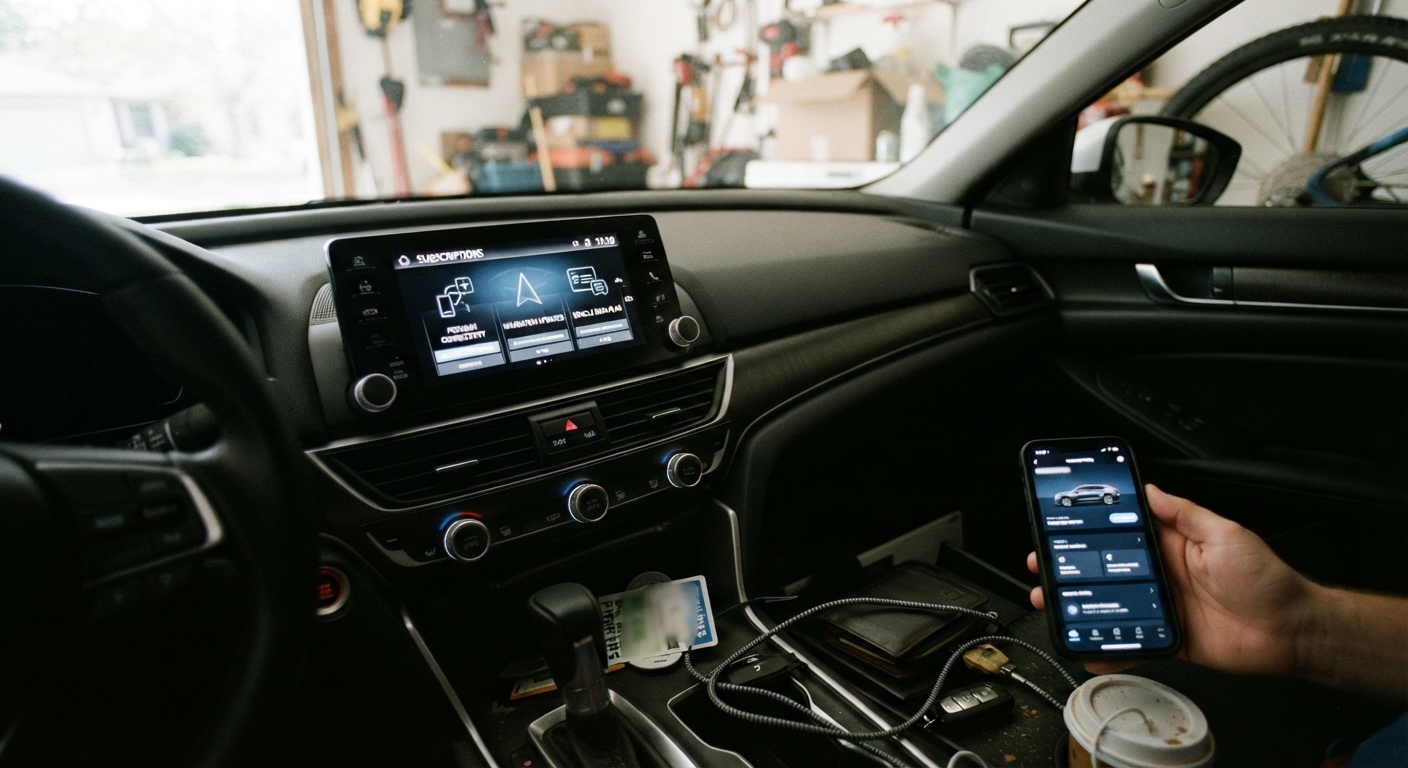
Your car might be one of the more expensive subscription services in your house, and there’s a decent chance you couldn’t name everything it’s billing you for. That’s not a knock on you. It’s by design.
When Netflix charges you, the line item on your bank statement says “Netflix” or something close to it. When your car’s satellite radio renews, the charge might route through your automaker’s financial arm, appear as an unfamiliar merchant code, or get billed once a year through a payment method you set up in a dealership finance office and haven’t thought about since. Some of these subscriptions don’t even hit your bank statement directly — they’re charged to a credit card you added inside an app during setup, and you never see them mixed in with your other spending at all. They just quietly renew.
Why Car Subscriptions Slip Through the Cracks
Most new vehicles today come with a bundle of connected services activated automatically, often with a free trial period that ranges from three months to three years depending on the automaker and trim level. You said yes to something on a touchscreen or signed a form at delivery, the trial started, and life moved on. Nobody sends you a dramatic reminder when it’s about to convert to a paid plan — usually it’s a small notification on your infotainter’s screen, an email to whatever address was on file when you bought the car, or nothing at all until the charge appears.
Add to that the fact that these subscriptions are tied to the vehicle’s identification number, not to a single, obvious account you check regularly, and it’s easy to see why they get missed. You’re not going to stumble across them while reviewing your streaming services or gym membership. You have to go looking.
The Common Categories to Check
Connected-car subscriptions generally fall into a handful of buckets, and it’s worth checking each one separately since automakers often bill and manage them through different systems.
Satellite radio is the one most people already know about, since it’s been around the longest and the free trial period is usually clearly disclosed. But it’s also the one people forget to cancel because the trial-to-paid transition happens quietly and the charge is small enough to ignore for a while.
Remote start and remote access apps — the ones that let you lock your doors, start your engine, or check your fuel level from your phone — are increasingly tiered, with basic lock/unlock functionality sometimes free and remote start or vehicle-locate features requiring a paid tier.
In-car Wi-Fi hotspot data is its own line item, separate from your phone’s data plan, and it’s easy to keep paying for a car hotspot you stopped using once you got used to your phone’s tethering feature instead.
Live traffic and navigation data updates — the service that keeps your built-in nav system current and reroutes you around accidents — often renews annually and is one of the easier subscriptions to forget entirely, since a lot of drivers just use their phone’s mapping app instead and never notice the built-in system’s subscription lapsing or renewing.
Driver assistance software is the newest category, covering things like advanced hands-free driving features or over-the-air software upgrades tied to specific hardware in newer vehicles. These tend to be higher-cost subscriptions, so they’re worth a special look if your vehicle is only a few years old.
How to Check What’s Actually Active
Don’t try to reconstruct this from memory or from old paperwork. Go to the source: your automaker’s owner account, which is usually a phone app (like the ones tied to major manufacturer brands) or a web portal you log into with an account you set up when you bought or leased the car.
Once you’re logged in, look for a section usually labeled something like “subscriptions,” “services,” or “account,” separate from vehicle settings or maintenance reminders. This is where you’ll typically see a list of every connected service tied to your vehicle’s identification number, along with its status — active, trial, expired, or pending renewal — and the renewal date.
If you can’t remember your login, most manufacturer apps let you recover an account using your vehicle identification number and the email or phone number on file, which is often still the one from when you bought the car. If you bought the car used, you may need to set up a new account and transfer the vehicle into your name within the automaker’s system, which is also the moment you’ll discover whether the previous owner left any subscriptions active that are now defaulting back to you or lapsing on their own.
While you’re in there, check your saved payment method too. It’s common to find an old credit card on file — sometimes one that’s already expired — which tells you a subscription either failed to renew months ago or is about to fail and get flagged as a payment problem instead of a clean cancellation.
What Happens When You Sell, Trade In, or Return the Car
Connected services are tied to the vehicle, not to you personally, which means when you sell it, trade it in, or return it at lease-end, your subscriptions don’t automatically follow you and they don’t automatically cancel either. In many cases, the subscription simply stays attached to the vehicle’s identification number, and it becomes the next owner’s job (or non-job) to notice it and decide what to do.
This matters most on the payment side. If you have a subscription billing to a card on file, selling or returning the car doesn’t cancel that billing relationship — you have to do that yourself, through the automaker’s account, before or right after the vehicle leaves your possession. Otherwise, you may keep getting billed for a service attached to a car you no longer have, sometimes for months before you notice.
If you’re leasing and returning the vehicle, it’s worth doing this cancellation check before you drop the keys off, while you still have access to the vehicle’s infotainment system to reference account details if needed.
Manufacturer vs. Dealer Cancellation: Know the Difference
This is where a lot of people get stuck. Some connected services are billed and managed directly by the automaker — cancel them through the manufacturer’s app or account portal, and you’re done. Others, particularly some remote start systems and after-market-installed connected features, are actually managed through a third-party provider or billed through the dealership that sold or serviced the car, which means the automaker’s own app won’t show a cancellation option at all.
If you go to cancel something through the manufacturer’s portal and it’s grayed out, unavailable, or simply not listed, that’s a sign the service might be dealer-installed or third-party-administered rather than factory-standard. In that case, the cancellation path runs through the dealership’s service department or the third-party provider directly, not through the automaker’s customer support line. It’s worth asking specifically, when you call, whether the subscription is factory or dealer-installed, since that determines who can actually turn it off.
A Simple Annual Check-In
The easiest way to keep this from becoming an annual scavenger hunt is to tie it to something you already do regularly: your vehicle registration renewal. Registration renewals come around every year (or every two, depending on your state), they’re already on your radar, and they give you a natural, recurring cue to also log into your automaker’s owner app and glance at the subscriptions list.
When you do, check three things: which services show as active, what they’re billing, and whether the payment method on file is current. That five-minute habit, done once a year, is usually enough to catch a stale trial-to-paid conversion or a forgotten hotspot plan before it’s cost you another twelve months of charges for something you’re not using.
