

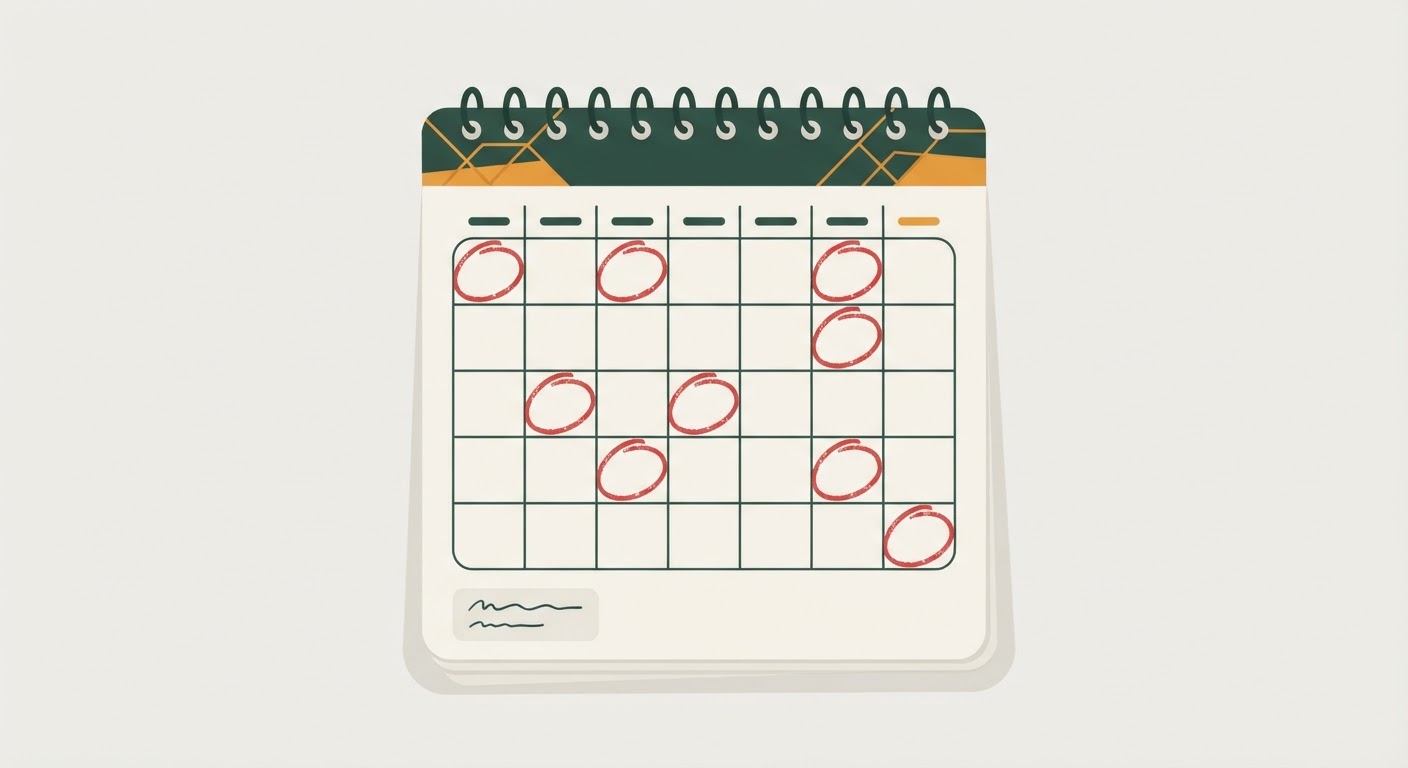
Most people don’t choose their billing dates on purpose. A streaming service defaults to the day you signed up. A gym membership follows the day you toured the facility. A car payment gets set by whatever day the loan closed. None of these dates are coordinated with each other, and yet somehow, a surprising number of them end up landing on the 1st or the 15th of the month anyway.
How billing dates tend to cluster around the 1st and 15th without anyone intending it
There’s a simple reason for this drift. Companies default new customers to the 1st of the following month more often than any other date, because it’s easier for their billing systems to process. Landlords almost universally want rent on the 1st. Many payroll departments pay on the 1st and 15th, or the 15th and last day of the month, so anything tied to “when I get paid” naturally gets set up around those same dates. Even if you never consciously picked the 1st or the 15th for anything, your bills quietly gravitate there because everyone else’s systems are nudging in that direction too.
The result is a pileup nobody planned. Your mortgage or rent, a car payment, two streaming subscriptions, a gym membership, and a phone bill can all decide to hit within the same 72-hour window, even though you signed up for each of them on a completely different day of a completely different month. Your account doesn’t care that the timing was accidental. If the total exceeds what’s sitting in checking when those charges land, you’re looking at overdraft fees or declined payments regardless of how much money you actually have coming in that month.
Mapping every recurring charge onto a single monthly calendar view
The fix starts with seeing the whole picture in one place, because most people only see it one bill at a time as each notification arrives. Pull out a blank monthly calendar, either on paper or in a spreadsheet, and go through your bank and credit card statements from the last two months line by line. For every recurring charge, write the amount and the exact day it hit, not the day you think it’s supposed to hit.
Include everything: rent or mortgage, utilities, phone, internet, insurance premiums, streaming and software subscriptions, gym or club memberships, loan and lease payments, and any subscription box or membership you might have forgotten about. Don’t round the dates. A bill that “usually” comes around the 3rd but sometimes hits the 1st needs to be marked on the earlier date, because that’s the day your account needs to be ready for it.
Once every charge has a spot on the calendar, step back and look at the shape of your month. Most households discover the same pattern: a heavy cluster in the first few days, a lighter middle stretch, and another cluster around the 15th. Seeing it laid out this way, instead of scattered across twelve months of statements, is what makes the clusters obvious for the first time.
Identifying dangerous clusters relative to your paycheck deposit dates
A cluster of bills isn’t automatically a problem. It’s only a problem relative to when money actually lands in your account. Add your paycheck deposit dates to the same calendar, in a different color or a clearly marked row, so you can see income and outflow side by side.
Now look for the danger zone: any stretch of two or three days where the total of scheduled charges is close to, or exceeds, your account balance right before the next deposit arrives. This is usually worst in the days just before a paycheck lands, when the previous deposit has been spent down and a fresh cluster of renewals shows up expecting money that hasn’t arrived yet. A charge that would be perfectly affordable on the 16th can trigger an overdraft on the 13th, even though it’s the exact same amount, simply because of what else is scheduled around it and how much runway you have since the last deposit.
Mark these tight windows clearly. These are the specific spots you’re going to fix, rather than trying to overhaul your entire billing calendar. Most households only have one or two genuinely risky clusters once they map it out; the rest of the month usually has enough breathing room already.
How to request a billing date change from companies that allow it
Once you know which charges are causing the tight squeeze, check whether any of them can simply be moved. Many recurring billers, especially utilities, phone carriers, insurance companies, and subscription services, will let you request a different billing date if you ask, since the date was often set somewhat arbitrarily when you signed up in the first place.
The request is usually straightforward. Call the customer service line or use the account settings in the company’s app or website, and ask specifically for a “billing date change” or “due date change” to a different day of the month. Have a target date in mind based on your calendar mapping, ideally a few days after a paycheck deposit rather than right before one. Some companies process this instantly through self-service settings; others may take a billing cycle or two to fully shift over, so don’t assume the change is effective immediately, and keep an eye on the account until you’ve confirmed the new date has actually taken hold.
Not every biller offers this. Loan servicers and lease payments sometimes have less flexibility than subscription services, and mortgage due dates in particular are often fixed by the terms of the loan. When a company says no, don’t spend energy arguing. Move on to a workaround instead of trying to force a change that isn’t available.
Using buffer days as a manual workaround when a date can’t be changed
For any bill that can’t be moved, the practical fix is to build a buffer around it rather than around the calendar. This means keeping a small cushion in your checking account that exists specifically to absorb these clustered days, separate from the money you’re mentally counting as “available” for everyday spending.
A simple way to do this is to calculate the total of your worst three-day cluster from the mapping exercise, then treat that amount as untouchable in your checking account, the same way you’d treat money set aside for a bill you haven’t paid yet. It sits there quietly every month, and its only job is to make sure that tight window never actually goes negative, regardless of what else is happening with your spending that week.
Another version of this workaround is timing your own transfers manually. If you have savings you can shift into checking on a schedule, set a recurring reminder two or three days before your identified danger window each month and move the buffer amount over manually. It’s not automatic, and it does depend on you remembering, but for people who don’t want to lock up cash permanently in a checking cushion, an alarm-triggered manual transfer accomplishes the same goal.
Reviewing the calendar quarterly as new subscriptions get added
A billing calendar is only accurate for as long as nothing changes, and something is always changing. A new streaming trial converts to a paid plan. You switch gyms. An insurance renewal shifts by a few days after a policy update. Each of these can quietly recreate the exact clustering problem you just solved.
Set a recurring reminder every three months to pull your last two months of statements again and re-check the calendar against what’s actually hitting your account now. This doesn’t need to be a long process once the initial mapping is done; it’s mostly a matter of confirming that nothing new has landed in your danger window and that any date changes you requested actually stuck. If a new cluster has formed, you already know the playbook: check if the date can be moved, and if not, adjust your buffer to cover it.
The goal isn’t to eliminate every bill landing near another one, since that’s not always possible. It’s to make sure you know exactly when the tight days are coming, so a normal month of normal bills never turns into an avoidable overdraft fee.
