

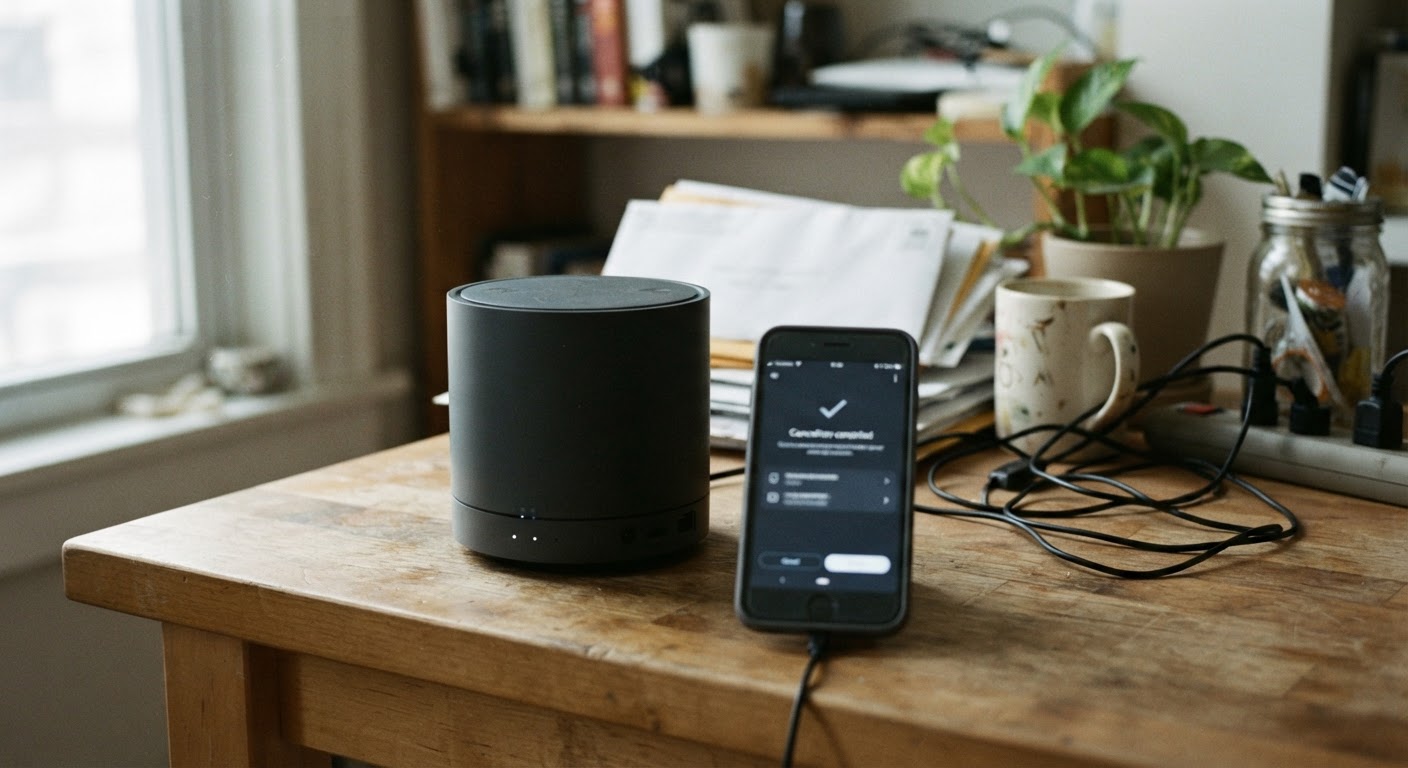
Security cameras, mesh routers, fitness equipment, and connected appliances all share a quiet business model: the hardware is sometimes sold at a modest markup, or even at a loss, because the real profit comes from the monthly subscription attached to it. A doorbell camera might record short clips for free but charge a monthly fee for continuous recording or video history. A mesh router might handle basic Wi-Fi on its own but lock parental controls, guest networks, or security scanning behind a paid tier. A connected treadmill or bike often requires a subscription just to unlock the workout classes that were the main selling point. Even some smart appliances, like connected refrigerators or washers, tie basic remote features to an app-based subscription that can be cancelled independently of the machine itself.
This matters because cancelling one of these subscriptions is not like cancelling a streaming service, where the show disappears but nothing you own is affected. Here, you already paid real money for a physical object, and cancelling the service can change what that object does, sometimes in ways that are not obvious until after you’ve cancelled.
Why the hardware and the subscription are often separate agreements
It helps to understand that when you bought the device, you likely signed up for two different things at once, even if it felt like a single purchase. One is a sale of goods: you paid for a physical camera, router, or fitness machine, and it’s yours. The other is a service agreement: you agreed to pay recurring fees for cloud storage, software updates, live monitoring, or app features that run on company servers rather than on the device itself.
These two things are usually not bound together in any legal sense. The company can end the subscription, change its price, or discontinue it entirely, and in most cases that has nothing to do with your right to keep and use the physical hardware. But the reverse is also true, and this is the part that surprises people: you can cancel the subscription and keep owning the hardware, while the hardware itself becomes far less useful, because the manufacturer designed it to depend on that ongoing service to do most of what you bought it for.
This split is exactly why terms and conditions for connected devices are worth a second look before you buy, and why it’s worth checking before you cancel something you already own. The company is under no obligation to keep a device fully functional without payment just because you paid for it once. Some do offer a reduced “basic” mode for free. Others don’t.
How to find out what stops working if you cancel
The most reliable place to look is the product’s support pages, not the marketing pages. Marketing pages describe what the device does when everything is fully paid for. Support pages, FAQs, and comparison charts for subscription tiers usually spell out, in a more matter-of-fact way, what features live behind the paywall and what doesn’t.
Search the manufacturer’s site for terms like “without subscription,” “free plan,” “basic plan limitations,” or “what happens if I cancel.” Many companies that sell cameras, routers, and fitness equipment publish a comparison table showing a free or basic tier next to the paid tier. Read that table closely, since the differences are sometimes bigger than they first appear. A camera’s “basic” tier might still show a live view but delete all recorded footage after a few hours, or record no footage at all, only motion alerts.
If you can’t find clear language on the website, check the device’s own settings menu or companion app. Some apps show a “current plan” screen that lists included features, and switching to a hypothetical free plan in a settings preview can show you what disappears before you commit to anything.
Community forums and product review threads are also worth fifteen minutes of your time. Other owners who have already cancelled often describe, in plain language, exactly what stopped working for them: no more app notifications, no more remote access, camera still functions but only when connected directly to local Wi-Fi, and so on. Their experience is often more current and specific than an official FAQ that hasn’t been updated in a while.
Questions to ask before you cancel
Before cancelling, it helps to know exactly which of three outcomes you’re facing, since they are very different from a budgeting standpoint. Is there local storage or offline function, meaning the device keeps doing something useful entirely on its own hardware, like a camera that still records to a memory card even without a cloud plan? Is there a basic mode, meaning the company scales back features but leaves a functional, if limited, product, like a router that still provides Wi-Fi but drops advanced security scanning? Or is it a full lockout, meaning the device becomes largely or entirely non-functional without an active subscription, which is common with some fitness equipment where the screen simply won’t run workout content at all without a paid account?
Knowing which category your device falls into changes the math. A local-storage camera that loses only cloud backup might be a subscription worth cutting immediately, since you’re still getting real security value for free. A treadmill that turns into an expensive clothes rack without a subscription is a different kind of decision, one that might mean keeping the subscription, or accepting that the equipment’s usefulness was always tied to an ongoing cost you didn’t fully weigh at purchase.
Getting confirmation in writing before you cancel
Because support pages can be vague or out of date, it’s worth asking the company directly what will and won’t work, and getting the answer in writing before you pull the trigger. Customer service chat or email is usually more useful than a phone call for this, since it leaves a written record you can refer back to.
A simple version of this request might read: “I’m considering cancelling my [service name] subscription for my [device name]. Before I do, can you confirm in writing exactly which features will stop working and which will continue to work without a subscription? Specifically, I want to know whether the device will still connect to Wi-Fi, whether local storage or offline recording will still function, and whether there is a free or basic tier I’ll be moved to automatically.”
If the representative gives you a verbal answer that differs from what you find in writing elsewhere, it’s reasonable to ask them to send a follow-up email summarizing what they told you. Keep that email. If the device behaves differently than promised after you cancel, having that record makes it much easier to go back to customer service, or to a manager, and ask them to make it right.
What to do if the device becomes effectively useless without the subscription
Sometimes the honest answer is that the hardware was never really a standalone product. In that case, a few options are worth considering. Check whether the manufacturer offers a lower-cost or single-feature subscription tier that restores basic function without paying for the full package. Check secondhand marketplaces to see what the device is worth to someone who’s willing to keep paying for the subscription, since selling a subscription-dependent device to someone who wants that ecosystem can recover more value than letting it sit in a drawer. And before your next purchase in this category, make checking for a local-storage or offline mode part of your buying decision, the same way you’d check a return policy, so the next device you bring home doesn’t quietly turn into another monthly bill.
