

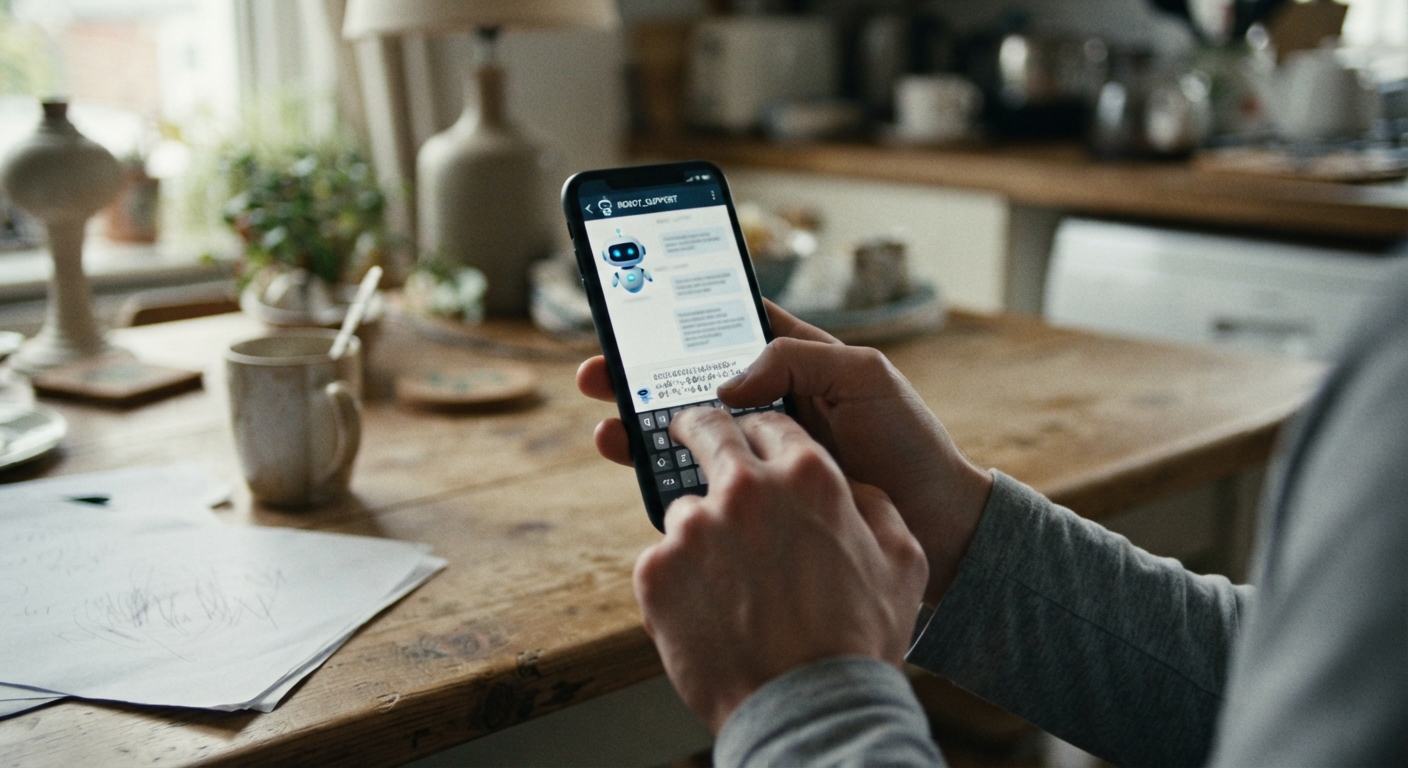
You’ve decided to cancel. You log in, click “manage subscription,” and instead of a cancel button, a chat window pops open with a cheerful greeting from a bot named something like Ava or Max. You type “cancel my account.” It responds with a discount offer. You type it again. It asks if you’re having technical issues. This isn’t a glitch — it’s a designed obstacle, and there’s a reliable way through it.
Why companies use chatbots as a soft barrier to cancellation
A chatbot that won’t say “cancel” isn’t broken; it’s doing its job. Every extra step between you and cancellation gives a company another chance to keep your money coming in. Chatbots are cheap to deploy at scale, they can be scripted to offer discounts or pauses before ever acknowledging the word “cancel,” and they don’t get tired of repeating the same three responses no matter how many times you rephrase your request.
There’s also a quieter reason: friction works. Some percentage of people who try to cancel will give up after the second or third loop, especially if they’re doing this on a lunch break or while distracted. The bot doesn’t need to stop you forever — it just needs to stop you today. Understanding this changes how you approach the conversation. You’re not trying to convince the bot of anything. You’re trying to get it to log a request and, when it can’t finish the job, hand you off to someone or something that can.
Phrases that trigger a human handoff instead of another canned response
Most cancellation bots are built to recognize a limited set of intents and to escalate when they can’t confidently match one. You can use that against them. Vague language like “I want to cancel” often gets matched to a retention script. More specific, formal-sounding phrases tend to break the loop faster.
Try lines like these, typed exactly and without extra pleasantries the bot might parse as an opening for an offer:
“I am requesting immediate cancellation of my account. Please confirm cancellation or connect me to a representative.”
“I do not want an offer or discount. I want to speak with a human agent about cancelling my subscription.”
“Please process this as a formal cancellation request and provide a confirmation number.”
The word “representative” or “agent” is doing real work in those sentences — many bots are programmed to escalate when a user explicitly asks for a person, even if they ignore repeated cancellation requests. Repeating the same exact phrase two or three times in a row can also trigger an automatic handoff, since some systems are built to recognize when a user is stuck in a loop and route them out of it rather than let the conversation spiral.
If the bot offers a discount, don’t negotiate with it. Just repeat your cancellation request. Bots are generally not authorized to actually cancel anything beyond a scripted path, so arguing with it about price is a dead end — save that energy for a human if you get one.
What to screenshot or save as proof the request was made through the bot
Treat every chatbot interaction like it might become evidence, because it might. Before you close the chat window, capture the following:
A screenshot of your typed cancellation request and the bot’s response, with the timestamp visible if the interface shows one. A screenshot of any confirmation number, reference ID, or ticket number the bot generates, even if it doesn’t explicitly say “cancelled.” A screenshot of the account status page immediately after the chat, showing whether it still says “active.”
Many chat platforms also let you request a full transcript emailed to you — look for a “download transcript” or “email this conversation” option, often as a small icon near the top or bottom of the chat window. If that option exists, use it every time, even if the bot seems to have cancelled you successfully. If it doesn’t exist, copy and paste the full text of the conversation into an email to yourself or a notes file, with the date in the subject line.
This matters because the gap between “the bot said something reassuring” and “the account was actually cancelled” is exactly where billing disputes live. A vague bot message like “we’re sorry to see you go” is not the same as a cancellation confirmation, and companies know the difference even when their chatbots are sloppy about stating it clearly.
How to escalate to email, chat transcript request, or a phone line when the bot stalls
If you’ve tried the direct phrasing above two or three times and the bot still won’t confirm cancellation or connect you to a person, stop typing into the chat and change channels. Persistence in the same window rarely pays off once it’s clear the bot is looping.
Look for a support email address, often buried in a footer, a help center article, or an old confirmation email from when you signed up. Send a short, dated message: state that you attempted to cancel via the chatbot on a specific date, that the bot did not process the cancellation, and that you are requesting cancellation effective immediately along with written confirmation. Attach or paste in the chatbot transcript you saved.
If a phone number exists anywhere — on a billing statement, the back of a card, or an old email — call it and ask specifically for account cancellation, not general support. Note the date, approximate time, and the first name of whoever you speak with. If they say it’s handled, ask them to email you a confirmation before you hang up.
Some companies also have a presence on social media or a public help forum where public visibility sometimes gets a faster response than a private chat queue. This isn’t guaranteed to work and shouldn’t be your first move, but it’s a reasonable next step if email and phone both stall out.
When to dispute the charge if the bot never actually cancels you
If you’ve made a documented attempt through the chatbot, followed up in writing by email, and the account is still active and still billing you, you’re in reasonable territory to dispute the charge with your bank or card issuer. Before you do, gather what you’ve collected: the chatbot screenshots, the transcript, the email you sent requesting cancellation, and the date the next charge hit your account.
When you contact your card issuer, be specific and factual rather than frustrated: explain that you requested cancellation on a given date through the company’s official channel, that you have documentation of the request, and that the company continued to charge you afterward. Card issuers generally want to see that you made a good-faith attempt to resolve it directly with the merchant first, so having those saved screenshots and emails in hand — not just a description of what happened — makes the dispute easier to support.
A charge dispute isn’t something to reach for at the first sign of a stubborn chatbot. It’s the step after you’ve given the company a fair, documented chance to do the right thing and it hasn’t. Keep your records tidy as you go, and the whole process — bot, email, phone, and if necessary, dispute — becomes a lot less maddening the second time you have to do it.
