

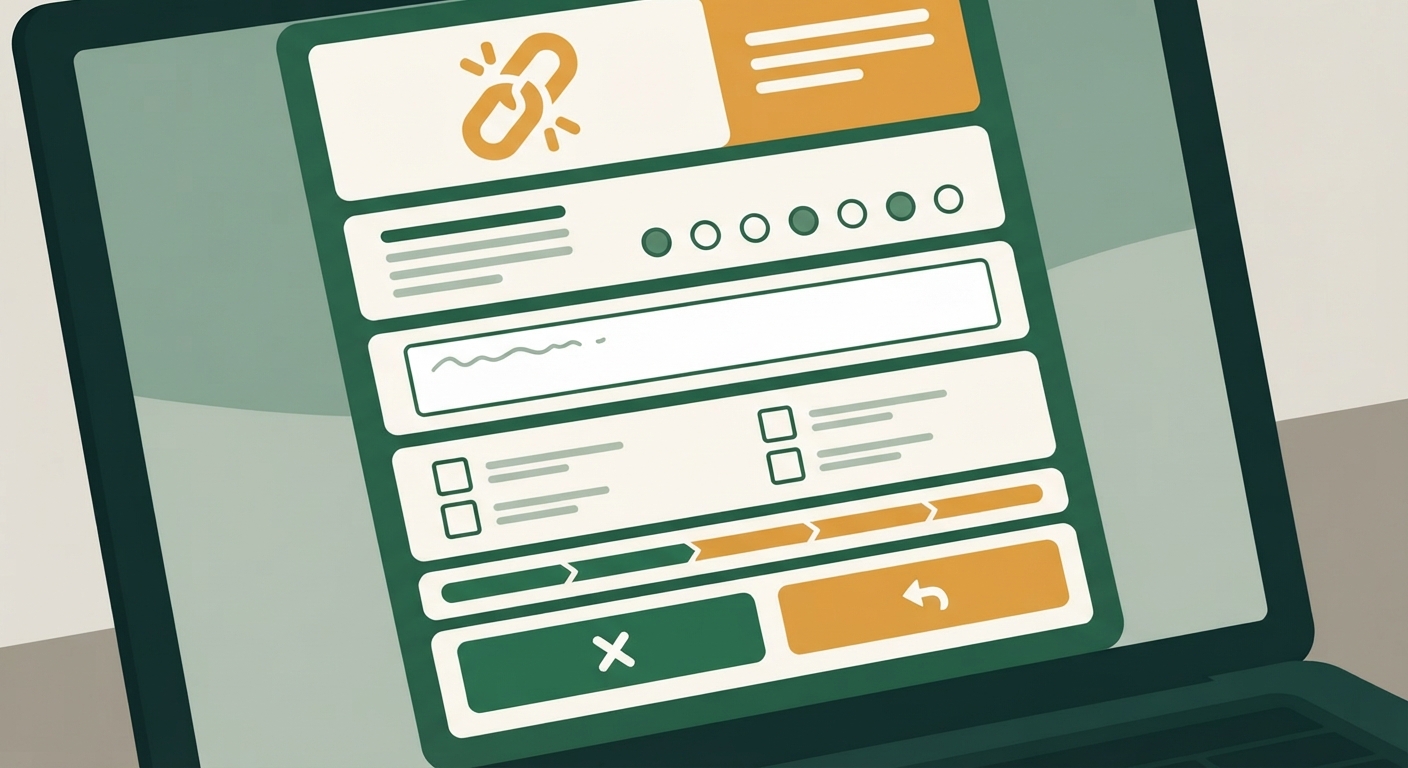
Why companies use exit surveys as a delay and data-collection tactic
If you’ve ever tried to cancel a subscription and found yourself on page three of a survey asking about your “experience,” you’re not imagining things. That extra friction is by design. Every additional click between you and a finished cancellation is a chance for the company to either talk you out of leaving or, at minimum, learn something about why you’re going. Neither outcome is bad for the business. Both cost you time.
The data-collection part is straightforward: companies want to know if people are leaving over price, features, a bad experience, or just not using the service anymore. That information feeds into how they price plans and design retention offers for the next customer who tries to leave. The delay part is a little more calculated. Research on cancellation behavior shows that the more steps a process takes, the more people abandon the attempt partway through, either because they get frustrated, get distracted, or start to second-guess whether they really want to cancel. A five-screen survey isn’t just data collection — it’s also a bet that some percentage of people won’t make it to screen five.
None of this is illegal or even unusual; it’s just a normal part of how subscription businesses are built. Knowing that going in helps you treat the survey as a formality to get through, not a negotiation you need to win or a genuine feedback request you owe an honest essay to.
Reading each screen carefully so a ‘pause’ or ‘discount’ option isn’t mistaken for cancel
The most common way these flows trip people up isn’t the survey questions themselves — it’s the buttons. Many cancellation paths present a screen that looks like it’s continuing the cancellation but is actually offering an alternative: “Pause your account for 30 days,” “Switch to our Basic plan for less,” or “Continue with 50% off for the next three months.” If you’re moving quickly and just clicking the button that seems like the “next” option, it’s easy to accidentally accept a discount or a pause instead of finishing the cancellation.
The fix is simple but requires a little patience: read the actual button text before clicking, not just its position on the screen. Cancellation flows are often designed so the button that keeps you subscribed is visually prominent — larger, brightly colored, sometimes pre-highlighted — while the button that actually continues cancellation is smaller, grayed out, or worded passively, like “No thanks, continue to cancel” tucked below a bigger “Get my discount” button. Slow down enough to find the option that specifically says something like “cancel,” “confirm cancellation,” or “no thanks, I still want to cancel,” and avoid anything that says “pause,” “downgrade,” “keep my benefits,” or “apply discount.”
If a screen doesn’t have an obvious way to keep moving toward cancellation, look for smaller text links near the bottom of the page rather than assuming the big button is your only option.
Choosing survey answers that don’t trigger a retention phone call or email chain
Some exit surveys ask a harmless-seeming question like “What’s the main reason you’re cancelling?” with options such as price, lack of use, switching to a competitor, or technical issues. How you answer can actually change what happens next. Certain answers — especially ones like “too expensive” or “considering a competitor” — are more likely to trigger an automatic retention offer, a follow-up email with a discount code, or in some cases a request for a phone number so a representative can “help you find a better plan.”
If your goal is simply to finish cancelling without extra contact, it often helps to choose a more neutral, closed-ended answer if one is available, such as “no longer need the service” or “not using it enough,” rather than answers that invite a counteroffer. This isn’t about being dishonest — it’s about recognizing that vague-but-true answers tend to generate less follow-up than answers that sound negotiable.
Also pay attention to any checkbox or toggle asking whether you’re open to being contacted by phone or email about your cancellation. These are sometimes pre-checked. Uncheck them if you don’t want a call. If the survey requires you to enter a phone number to proceed, check whether that field is actually required (marked with an asterisk) or just appears that way — sometimes you can leave it blank and continue.
What to do if the survey loops back to the homepage without confirming cancellation
One of the most frustrating patterns is finishing what feels like the entire survey, clicking a final button, and landing back on the account homepage or dashboard with no visible confirmation that anything happened. This can mean one of two things: the cancellation actually went through and the site just did a poor job confirming it, or the flow silently failed and your subscription is still active.
Don’t guess. Check your account settings page directly for a line that says something like “your plan will end on [date]” or “subscription cancelled.” If you see that, you’re done, even if the confirmation felt anticlimactic. If you don’t see any change in status, go through the cancellation flow again from the start. It’s also worth checking your email inbox (including spam) for a cancellation confirmation message, since some companies send that instead of showing an on-screen confirmation.
If you go through the flow a second time and it still loops back without confirming anything, that’s a sign to stop relying on the website entirely and contact the company through another channel — live chat, phone support, or a support ticket — and explicitly ask for written confirmation that your account is cancelled and the date your billing will stop. Keep that written confirmation. If no other channel works, this is also a good moment to consider the app store or bank options covered further down.
Taking a screenshot of each step in case you need proof later
Exit surveys and cancellation flows leave a strange paper trail — sometimes too much, sometimes none at all. Before you close the tab, take a screenshot of each meaningful screen: the survey questions and the answers you selected, the final confirmation page (or lack of one), and anything mentioning a specific date your service or billing will end. Do the same with any confirmation email.
This matters most if you get charged again after you believe you’ve cancelled. Without documentation, you’re relying on memory and goodwill to dispute a charge. With screenshots showing the date and time you completed the cancellation flow, you have something concrete to point to when you contact customer support or, if it comes to that, your bank. It takes less than a minute and it’s much easier to do in the moment than to try to reconstruct after the fact.
When to skip the survey entirely by cancelling through your app store or bank instead
If a subscription was set up through Apple’s App Store, Google Play, or a similar platform, you may not need to go through the company’s website survey at all. Subscriptions managed through these app stores can typically be cancelled directly from your phone’s subscription settings, and that cancellation is binding regardless of whatever survey the company’s own app tries to show you first. This is often faster and skips the retention screens entirely, because the app store handles the cancellation on the back end.
If a subscription wasn’t set up through an app store and the company’s cancellation flow is genuinely broken — looping endlessly, requiring information you don’t have, or simply refusing to let you finish — contacting your bank or card issuer to block future charges from that merchant is a legitimate last resort. This won’t retroactively refund past charges and it doesn’t replace trying to cancel properly first, but it stops the bleeding if a company’s cancellation process has become an obstacle rather than a formality. Keep in mind this is a fallback for when normal cancellation genuinely isn’t working, not a shortcut to avoid a five-minute survey you don’t feel like doing.
