

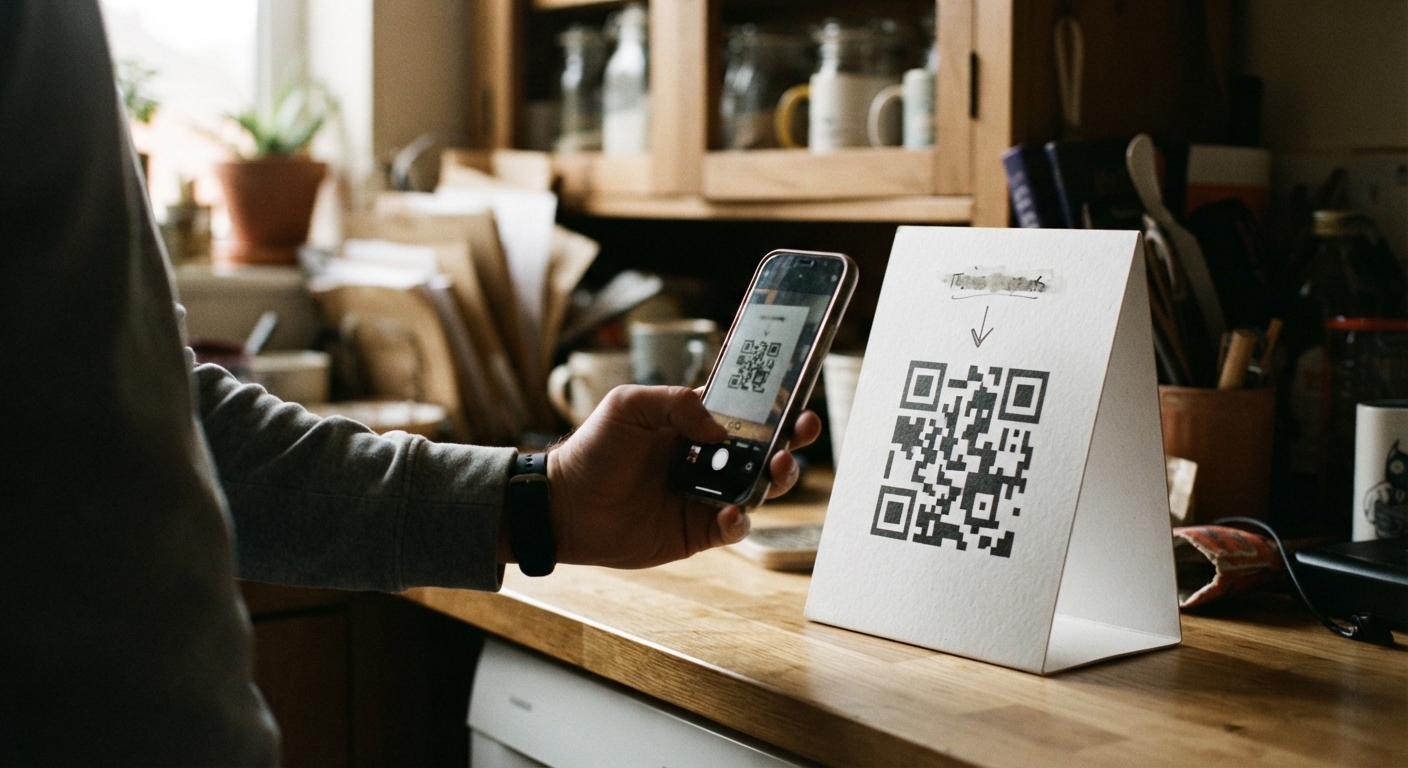
You signed up at a gym front desk, a salon check-in tablet, or by scanning a QR code taped to a register. It took ninety seconds and felt like nothing. Weeks later, you’re staring at a charge on your statement with no obvious company name attached to it, and no “cancel” button anywhere in sight. This happens constantly, and it’s not a sign you did anything wrong. Kiosk and QR sign-ups are built for speed, not for easy exits. Here’s how to work backward and actually get out of one.
Why kiosk and QR sign-ups often route through a third-party billing platform, not the store itself
When you sign up on a tablet at a gym or scan a code at a retail counter, you’re rarely dealing directly with that business’s own billing system. Most small and mid-sized businesses don’t build their own payment infrastructure. Instead, they license a membership or subscription platform from a third-party vendor, and that vendor handles the sign-up form, the recurring charges, and often the customer account portal too.
This matters because the name on your statement, the login page for managing your account, and the company that actually holds your payment information may have nothing to do with the store’s name on the sign. The gym might be “Riverside Fitness,” but the account you created lives on a platform with a completely different brand name, and that platform’s terms, cancellation window, and contact process are what actually govern your subscription, not just whatever the front desk staff tells you.
Understanding this upfront saves a lot of frustration. You’re not canceling “a gym membership” in the abstract. You’re canceling an account on a specific software platform that the gym happens to use, and that platform has its own rules.
Checking your card statement for the actual billing descriptor tied to the sign-up
Your first move should be your bank or card statement, not the store. Pull up the transaction and look closely at the billing descriptor, the short line of text that identifies the charge. It’s often abbreviated, sometimes cryptic, and it may look nothing like the business name you remember.
A few things to look for:
The descriptor may include a shortened version of a software platform’s name rather than the store’s name. It may include a customer service phone number directly in the transaction detail, which many banking apps let you tap to call. It may also include a merchant category code or a short reference number that a support line can use to pull up your account faster.
If the descriptor is unclear, search it exactly as written, including any odd abbreviations or numbers, rather than guessing at what company it might be. Billing platforms that serve gyms, salons, and specialty retailers are often household names within their industry even if you’ve never heard of them as a customer. A precise search of the exact descriptor text tends to surface the right company far faster than searching for the store’s name plus “cancel.”
It’s worth doing this even if you already have a good guess about who’s charging you. Confirming the exact billing entity before you contact anyone means you won’t waste time being transferred between the store and a vendor who insists you have the wrong company.
What information the store’s front desk staff can and can’t help you cancel
Once you know who’s actually billing you, it helps to know what the people standing in front of you can realistically do. Front desk and counter staff typically have limited access to the billing platform. They can usually see whether you’re an active member, sometimes log a cancellation request on your behalf, and often print or email you a receipt showing your visit. What they usually cannot do is process a cancellation themselves in real time, override a notice period built into the platform, or issue a refund without approval from a manager or the platform provider.
Ask directly what their process is rather than assuming. Some locations have a specific manager who handles cancellations and submits them to the platform on a set schedule, which means your request could sit for days before it’s actually entered. Others may direct you to call or log into the platform yourself because staff have no cancellation access at all. Neither answer means you’re being blown off, it’s just how the system was set up.
If staff tell you cancellation has to happen online or by phone with the platform directly, ask for the exact company name and any account or member ID visible on their screen. That ID is often different from anything you have, and having it ready when you call the platform’s support line can shortcut a lot of back-and-forth.
Requesting written confirmation when cancellation has to happen in person
If a location tells you cancellation must happen in person, at the counter, on paper, or on their tablet, don’t leave without something in writing. Verbal confirmation from a staff member is not something you can point to later if a charge shows up again next month.
Reasonable options to ask for include a printed or emailed cancellation confirmation from the front desk system, a photo of the screen showing your account status changed to canceled or inactive, or a dated note on a receipt or invoice that states the cancellation was processed that day. If none of that is available, at minimum ask for the name of the person who processed it and the date, and write it down yourself along with the time you were there.
Follow up with an email to the location or the platform’s support address summarizing what happened: the date, who you spoke with, and what they told you would happen. Even a brief message creates a timestamped record. If a charge appears after that point, you’ll have something concrete to reference when disputing it with your card issuer, rather than relying on memory alone.
What to do if the kiosk company no longer operates or the location has closed
Sometimes the business closes, the platform gets shut down, or a company simply stops answering, but the charges keep coming. When there’s genuinely no one left to cancel with, your card issuer becomes the practical path forward.
Start by gathering what you have: the exact billing descriptor from your statement, any dates you visited or signed up, screenshots of a defunct website or a closed storefront, and any prior emails or confirmations. Then contact your bank or card issuer to explain that the merchant is no longer operating or unreachable and ask about disputing the recurring charge. Most issuers have a process for exactly this situation, since unreachable merchants and abandoned subscriptions are common.
It’s also worth setting up an alert on the card so you’re notified the moment a charge from that descriptor posts again, in case the account somehow keeps billing through a different processor. If the charge continues after a dispute, some card issuers can block future transactions from that specific merchant altogether, which stops the problem at the source rather than requiring you to dispute it every month.
