

Why subscription knowledge often lives in one person’s head or inbox
In most households, one person ends up as the de facto subscription manager. They’re the one who signed up for the streaming service during a free trial, the one whose email gets the renewal notices, the one who remembers that the gym charges on the 3rd but the meal kit charges on the 15th. This isn’t usually a deliberate arrangement. It just happens because someone was paying attention when the account was created, and everyone else in the household assumed it was being handled.
The trouble shows up when that person is unavailable. Maybe they’re traveling without reliable phone access. Maybe they’re in the hospital. Maybe they’ve simply stepped away from managing the household finances for a while and someone else needs to step in. Suddenly a partner or adult child is staring at a bank statement full of charges with names like “STRM SVC” or “MBX*Fitness” and no idea what any of it is, whether it’s still needed, or how to cancel it if it isn’t.
This is a solvable problem, but it takes a small amount of upfront work. The goal isn’t to create a perfect financial record. It’s to create a document detailed enough that a reasonably capable adult, with no prior knowledge of your accounts, could look at it and know what’s being charged, when, and what to do about it. Think of it less as a budget spreadsheet and more as a set of instructions you’d leave for a house sitter, except the house is your monthly bills.
What to include: service name, cost, billing date, login method, and cancellation steps
A useful subscription binder answers five questions for every single recurring charge: what is it, what does it cost, when does it bill, how do you log in, and how do you cancel it. Skipping any one of these turns the document into a partial help rather than a real solution.
Start with the name of the service as it actually appears on your bank or card statement, not just the brand name. Streaming services, software companies, and subscription boxes often bill under a parent company name or a payment processor’s label that looks nothing like the product you signed up for. If you’ve ever squinted at a statement trying to figure out what a charge was for, you know why this matters. Write down both the familiar name and the statement name side by side.
Next, note the cost and how often it bills. Monthly is the default assumption for most households, but annual charges are the ones that cause the most confusion, because they show up once a year and are easy to forget about entirely. If a subscription renews annually, mark the general time of year it happens, even if you don’t know the exact date. Someone reviewing the binder needs to know that a charge that hasn’t shown up in six months isn’t necessarily cancelled.
Record which payment method is attached to each subscription. If your household has more than one card or bank account in circulation, this detail alone can save an enormous amount of confusion later, especially if a card gets lost or reissued and someone needs to figure out which subscriptions will fail to renew as a result.
Then comes login information, or at least a pointer to where it lives. You don’t need to write passwords directly into a binder that anyone might see, but you can note the email address used for each account and whether it uses a password manager, a specific email’s “forgot password” flow, or a login through a service like a phone carrier or app store account. The point is to give someone a starting place rather than making them guess.
Finally, and this is the part people skip most often, write down how to actually cancel each one. Is it a button in an app? A phone call during specific business hours? A written notice required by mail? Does it require navigating through several menus designed to talk you out of leaving? A line or two per service noting the cancellation path saves whoever inherits this task from having to research each one from scratch at a moment when they may already be stressed or short on time.
Choosing a format: shared document, physical binder, or password manager notes
There’s no single correct format for this, and the right choice depends more on your household’s habits than on any technical advantage one option has over another. What matters most is that the format is one you’ll actually maintain and that the right person can actually access it when needed.
A shared digital document, the kind that lives in a cloud storage account and can be edited from a phone or computer, works well for households that are already comfortable with that kind of tool. It’s easy to update, easy to search, and easy to share with a second person by giving them access rather than a physical object they might misplace. The tradeoff is that it requires someone to know it exists and know how to get into it, which means you need a plan for how a partner or family member would access your cloud account if you weren’t available to hand them a link directly.
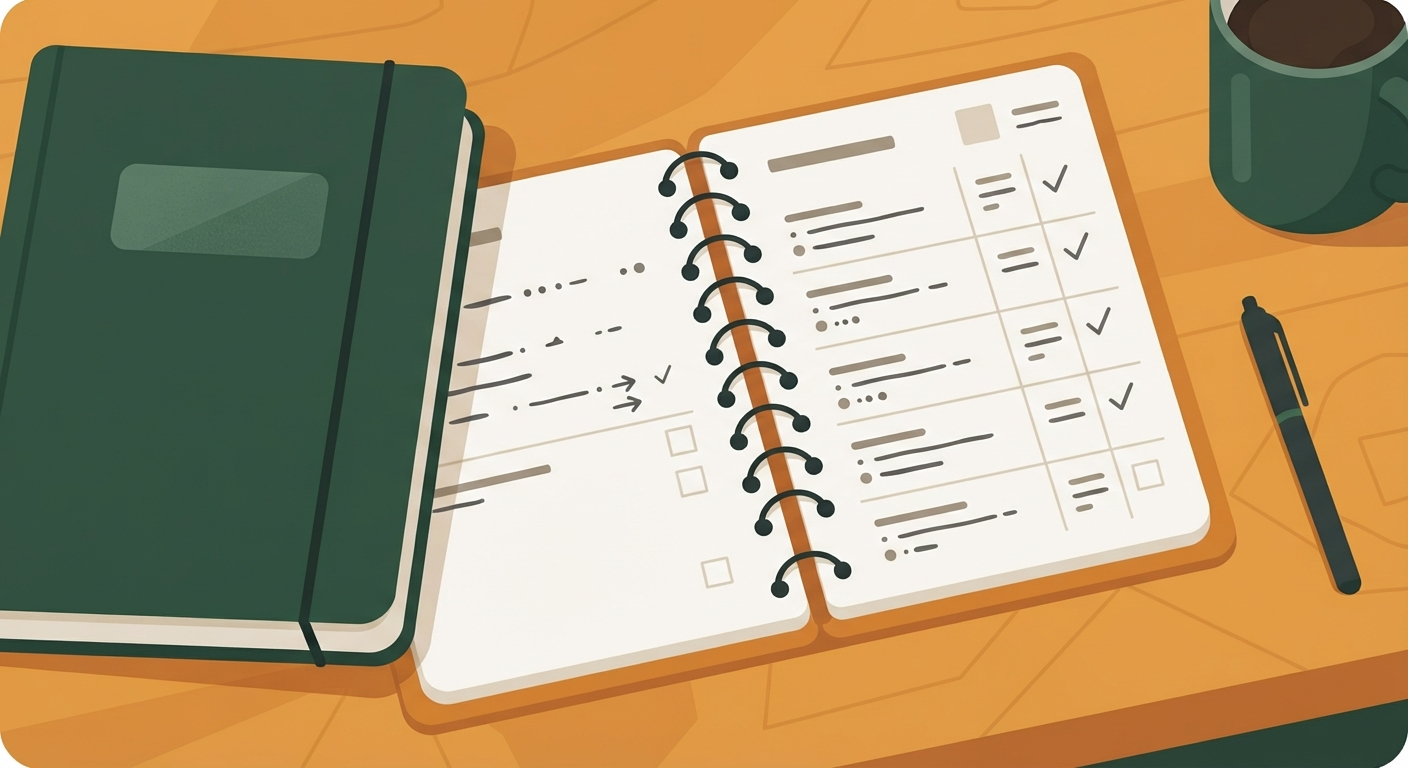
A physical binder or notebook has an old-fashioned appeal, and for some households it’s genuinely more reliable. There’s no login required to read a piece of paper. It can sit in a drawer everyone knows about, or with other important documents like a will or insurance paperwork. The obvious limitation is that it’s easy to let it go stale, since updating it means physically finding it and writing in it rather than just tapping a note on your phone.
Password manager apps that support secure notes are a middle path worth considering, especially since many households already use one to store logins. You can create an entry for “Household Subscriptions” and list the details there, keeping cancellation notes and login pointers in the same place the actual passwords live. If a trusted person is already set up as an emergency contact or has legacy access within that app, this can be one of the more secure options, since the sensitive information stays behind the same protection as everything else.
Whichever format you choose, resist the urge to split the information across multiple tools. A binder is only useful if someone knows there’s just one place to look.
Keeping it updated without turning it into another chore
The biggest risk to any subscription binder isn’t that it’s built badly. It’s that it’s built once, feels satisfying to finish, and then never gets touched again while three new subscriptions quietly start and two old ones get cancelled. Six months later the document is more misleading than helpful, because it tells a confident story that’s no longer true.
The fix isn’t complicated, but it does require attaching the update habit to something you’re already doing rather than creating a brand-new task to remember. Many people find it works well to review the binder at the same time they do a broader look at their bank and card statements, whether that’s a monthly bill-paying session or a quarterly check-in. If you’re already scanning statements for charges you don’t recognize, that’s the natural moment to add or remove a line in the binder.
Another approach is to update it the moment a subscription changes, rather than batching updates later. When you sign up for a new service, add the line right then, while the login details and cancellation process are fresh and easy to look up. When you cancel something, cross it off immediately instead of trusting yourself to remember to circle back. Small, immediate edits are far less effortful than a big periodic overhaul, and they keep the document honest.
It also helps to date the document itself, even just a note at the top saying when it was last reviewed. That single line tells whoever eventually reads it how much to trust what’s in front of them, and whether they should double check recent statements for anything that isn’t listed yet.
When to hand a copy to a spouse, adult child, or trusted family member
Building the binder is only half the job. The other half is making sure the right person actually knows it exists, where to find it, and how to interpret it, before there’s an emergency that makes the conversation harder.
For married or partnered households, this is often as simple as walking through the document together once, explaining the format, and agreeing on where it’s kept. It doesn’t need to be a heavy conversation. Framing it as “so we’re both covered if one of us is out of pocket for a while” tends to land more naturally than framing it around worst-case scenarios.
For adult children who may eventually help aging parents manage household finances, sharing the binder earlier rather than later can prevent a scramble down the road. It also gives the parent a chance to explain context that wouldn’t otherwise be obvious, like which subscriptions are genuinely wanted and which have simply never been gotten around to cancelling.
If you’re hesitant to hand over full access right away, a reasonable middle step is to share a version with the account and cost details but hold back sensitive login information until it’s actually needed, storing that separately with instructions on how to retrieve it. The goal is simply to make sure that if the day comes when someone else needs to take over, they’re not starting from zero.
